How a Simple Prompt Library Solved My Low API Usage Rate
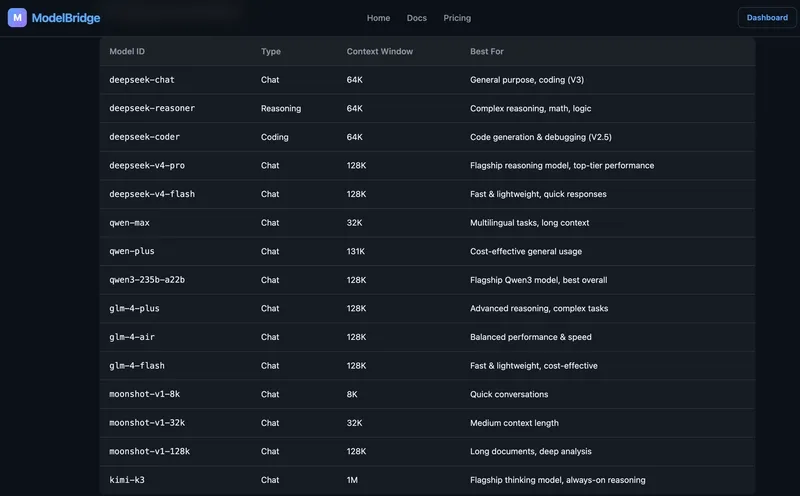
I realized that giving users an API key and a dashboard isn't enough. I have 15 different models available—everything from Kimi K3 with its massive 1M context to DeepSeek for cheap tokens and Qwen for multilingual tasks—but most people just sat there staring at the screen. They didn't have a technical problem with the API; they had a "what do I even ask this thing" problem.
The blank prompt box is basically the worst onboarding experience you can give a developer. It feels like saying "figure it out yourself," which is a quick way to kill user retention.
Solving the "Blank Page" syndrome
To fix this, I threw together a dead-simple prompt library. It's literally just a static HTML page—no database, no backend, just one file with 6 categories and 24 prompts. The goal was to move users from "I'm not sure" to "Oh, this works" in a single click.
I structured it so each prompt is tied to the specific model that handles that task best. For example:
- Bug hunting/Refactoring → Kimi K3 (better reasoning/context)
- Translation → Qwen Max
- Unit tests/Classification → DeepSeek (efficiency and cost)
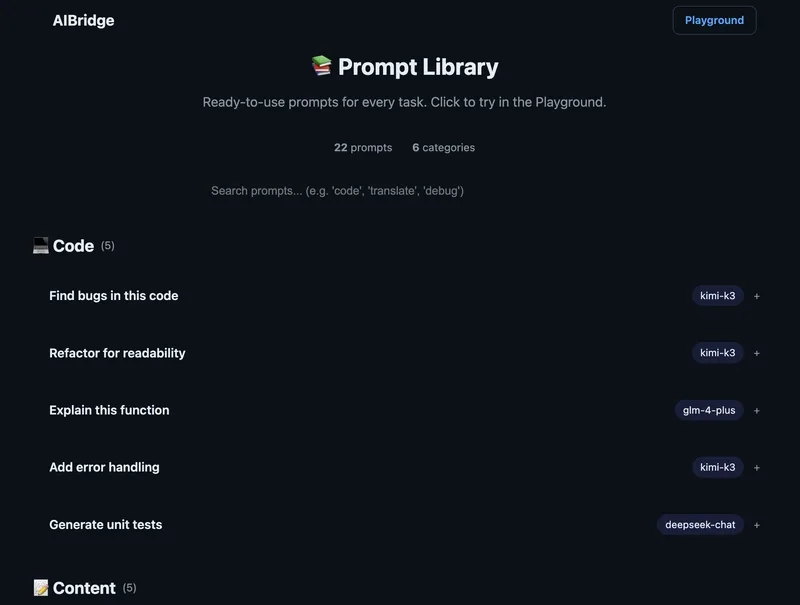
Instead of making users guess which model to use, the library teaches them through a real-world AI workflow.
The implementation
Every prompt card has three specific actions to reduce friction. First, a "Try in Playground" button that pre-fills the system prompt and selects the right model. Second, a "Copy as curl" option for those who want to test in the terminal. Third, a "Copy as Python" button using the OpenAI SDK.
Here is a look at how the prompt logic is organized in the library:
📚 Prompt Library
─────────────────────────────────────

💻 Code
├── Find bugs in this code → Try with Kimi K3
├── Refactor for readability → Try with Kimi K3
├── Explain this function → Try with GLM-4 Plus
├── Add error handling → Try with Kimi K3
└── Generate unit tests → Try with DeepSeek

📝 Content
├── Summarize an article → Try with DeepSeek
├── Translate to Chinese → Try with Qwen Max
├── Rewrite in formal tone → Try with Qwen Max
└── ...

🏷️ Classification
🔍 Analysis
✍️ Writing
📊 Data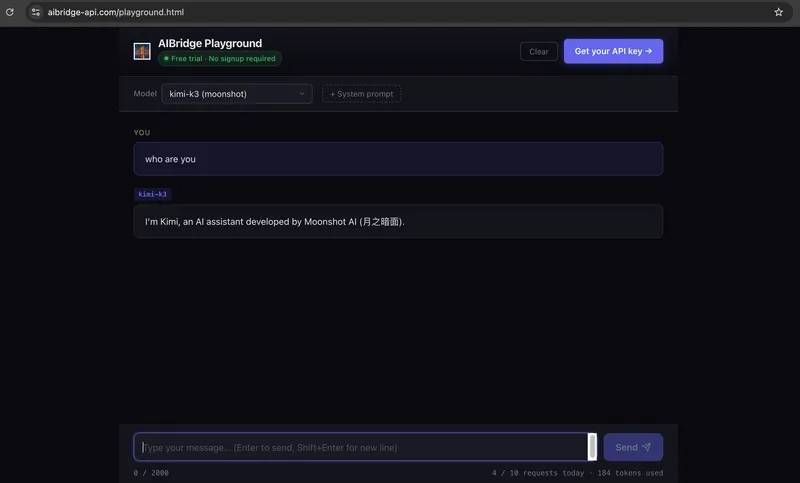
Why this actually works for LLM agents
If you're building a tool that exposes multiple LLMs, you can't assume the user knows the nuance between model benchmarks. By providing a hands-on guide via a prompt library, you're essentially giving them a practical tutorial on prompt engineering without them having to read a manual.
They see that DeepSeek is great for classification and Kimi is a beast for long-code analysis. Once they see the result, they start experimenting on their own. It turns a static API into a discovery tool.
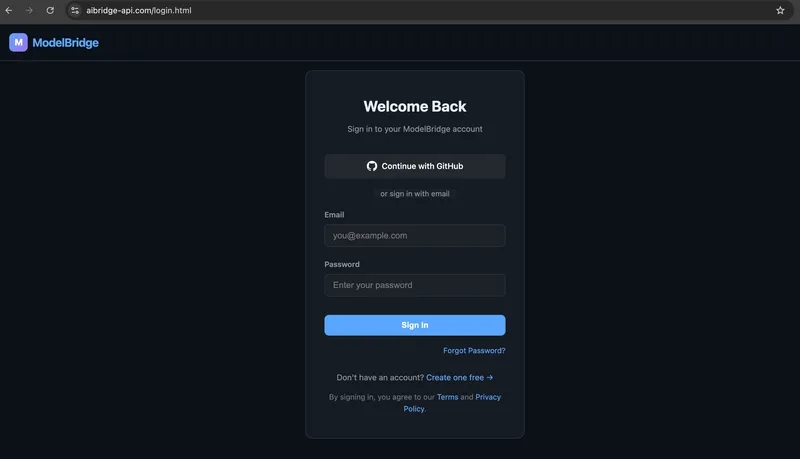
I've kept the rest of the setup lean: GitHub OAuth for one-click login, an OpenAI-compatible endpoint for all 15 models, and a free tier of 500K tokens/month to let people actually build.
https://aibridge-api.com/prompts.htmlhttps://aibridge-api.com/playground.html
All Replies (3)
Want a live back-and-forth? Join the global AI chat room — login to talk.
That's a massive leak. Did the curl command actually increase your daily active users?
My users struggled with this too. Did copy-paste code snippets help increase your call rate?
This is frustrating. Are you using raw REST calls or did you build a simple SDK?