Claude Code actually handled a WordPress to Next.
Most "AI coding" experiences are just glorified autocomplete, but I put Claude Code to the test on a project I'd been procrastinating on for years: ditching WordPress. I was tired of paying $70+ a year for a platform that breaks code block styling every time I touch the dashboard and forces me to manually convert content to Markdown just to cross-post to dev.to.
I decided to move everything to Next.js and deploy via Netlify. Here is the catch: I have almost zero experience with Next.js. I wanted to see if an LLM agent could actually manage a deployment from scratch without me spending a week in the documentation.
The technical hurdle
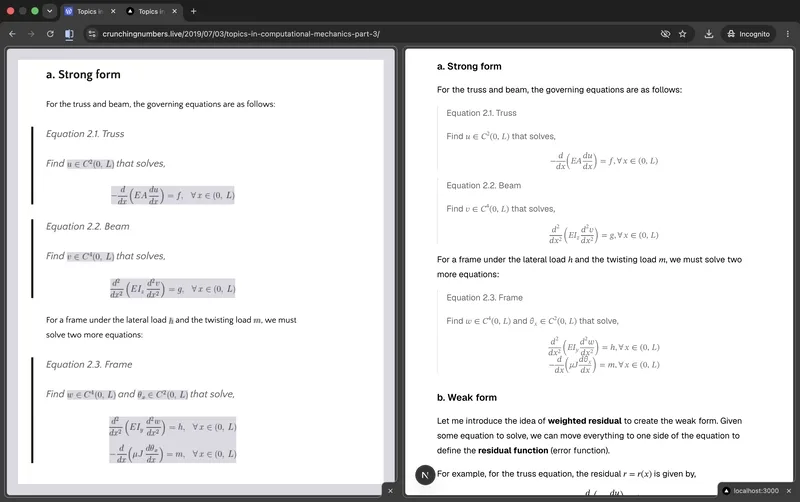
The migration wasn't just a copy-paste job. I had over 70 posts, many containing complex LaTeX for math and engineering that needed to be converted to KaTeX. I also needed to maintain my existing URL structure to avoid a total SEO meltdown.
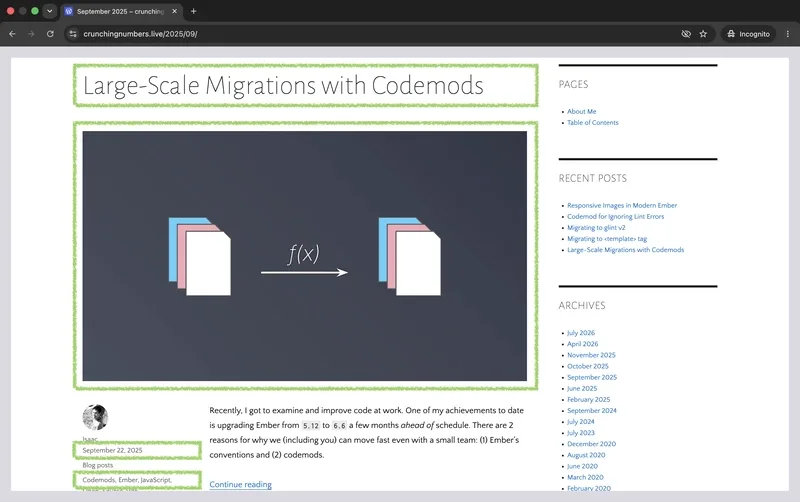
I delegated the heavy lifting to Claude Code. Specifically, I tasked it with:
- Building the Next.js components and routing from the ground up.
- Scraping my old WordPress URLs and converting the HTML content into clean Markdown files in
/content/posts. - Configuring
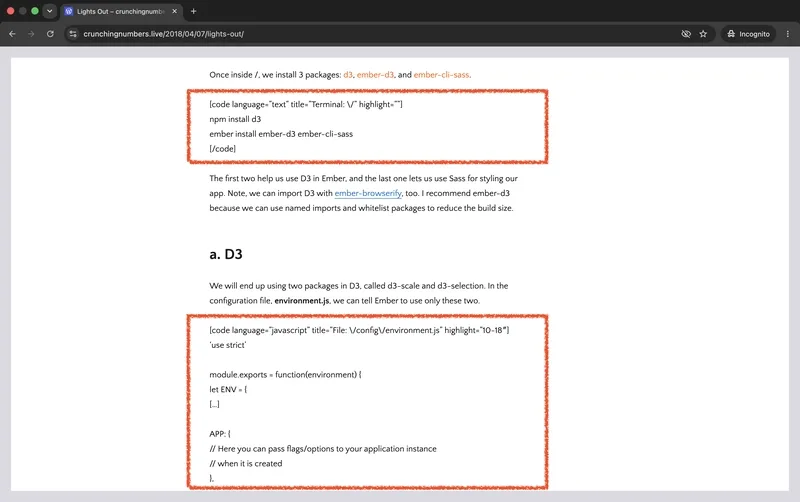
remarkandrehypeto ensure the Markdown rendered correctly as HTML. - Standardizing code block indentations to 2 spaces and converting WordPress-specific language tags.
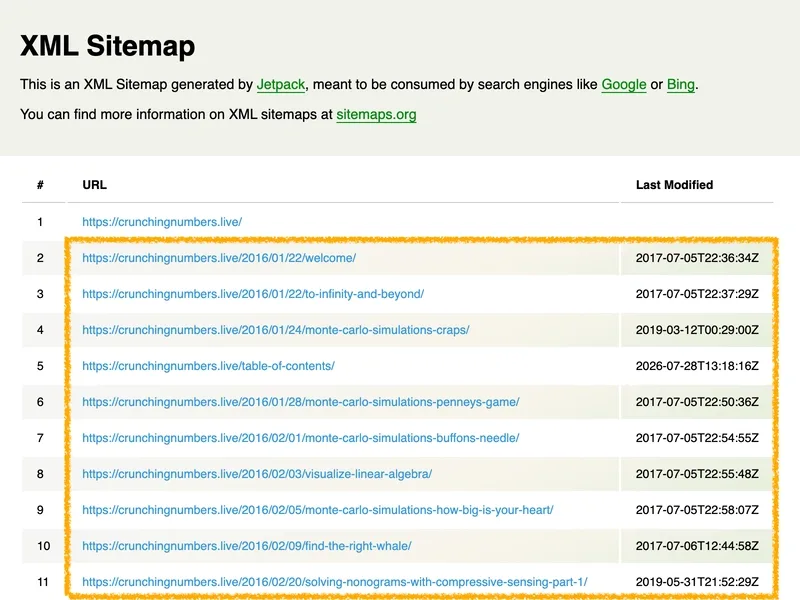
- Parsing my WordPress sitemap to extract "last modified" timestamps and injecting them into the Markdown front matter so the new Next.js sitemap would be accurate.
Performance breakdown
Since I usually benchmark these models, I was looking for where the logic would fail. Here is how the workflow played out:
- Context Handling: Surprisingly strong. I fed it a list of URLs and it systematically visited each one, extracted the content, and formatted the front matter without losing data.
- Code Accuracy: The
remarkandrehypeconfigurations were spot on. Usually, getting LaTeX to render correctly in a static site generator is a nightmare of dependency hell, but the agent nailed the config. - Autonomy: This felt more like a real LLM agent than a chat interface. Instead of me writing the code and pasting it, the agent was interacting with the filesystem and the web directly.
Please convert the blog posts from the following sites into Markdown files in the folder `/content/posts`.

- https://crunchingnumbers.live/2016/01/24/monte-carlo-simulations-craps/
- https://crunchingnumbers.live/2016/01/28/monte-carlo-simulations-penneys-game/
- ...
- https://crunchingnumbers.live/2019/07/03/topics-in-computational-mechanics-part-3/
For anyone still clinging to a bloated CMS, this is a practical tutorial in how to use an AI workflow to modernize your stack. It turns out the "hard part" of migration—the tedious data cleaning and regex work—is exactly what these agents are best at. It didn't require a complex prompt engineering strategy; just clear instructions and a list of targets.
All Replies (3)
Want a live back-and-forth? Join the global AI chat room — login to talk.
Impressive result! Did it handle custom post types or was that a manual map?
Impressive result. Did it struggle with any specific CSS selectors during the WordPress migration?
Terrified of my SEO tanking after this migration. Which redirect plugin actually works for Next.js?