White text prompt injections are a new cheat in court filings
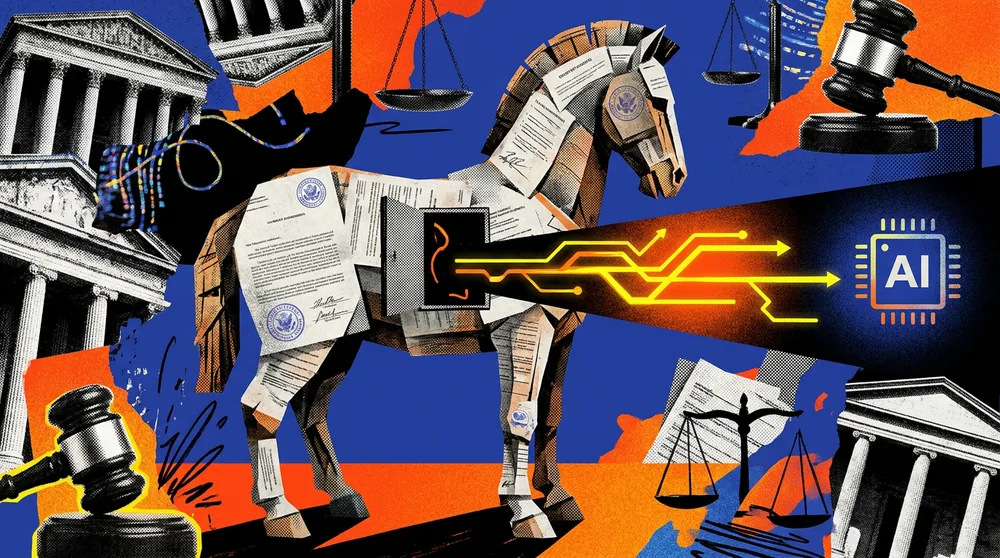
Embedding 3-point white text on a white background is a classic prompt engineering trick for slipping hidden instructions past a human reader while targeting an LLM. A plaintiff in Connecticut actually tried this in a legal filing, hoping to secretly steer an automated review system toward a specific outcome. It backfired spectacularly. Judge Spader did not view it as clever AI workflow optimization; he saw it as an attempt to tamper with the judicial process, effectively treating the AI as a proxy for a jury. The result? The plaintiff had their electronic filing privileges revoked.
What was the irony of the Connecticut court's system?
The irony is that the Connecticut court does not even use AI to review filings. The “attack” targeted a system that was not there, but the court sanctioned the plaintiff because of the intent to deceive. This is a fascinating real-world case of prompt injection moving from the playground of developers into the rigid world of law.
For those experimenting with prompt engineering, this highlights a growing tension between “optimizing” a response and “manipulating” a system. In technical terms, what the plaintiff did was a basic indirect prompt injection. By placing instructions in a format invisible to humans but readable by a machine, they tried to override the system’s default instructions.
Why is input sanitization crucial for AI document analysis?
If you are building an AI workflow or an LLM agent for document analysis, this is an important reminder of why input sanitization is critical. You cannot assume that text in a PDF or Word doc is exactly what the human eyes are seeing. To prevent this kind of “invisible” manipulation in your own deployment, consider a few practical steps:
How can text normalization prevent hidden instructions?
- Text Normalization: Convert all incoming documents to plain text or Markdown and strip out formatting. If you see massive blocks of text that do not align with the visual layout, it is a red flag.
- Contrast Checking: If you are processing PDFs, run a check for text color versus background color. Any text with a contrast ratio near zero should be flagged for manual review.
- System Prompt Hardening: Use a robust system prompt that tells the LLM to ignore instructions found within the user-provided text that contradict the primary goal.
What does this case reveal about the legal world's understanding of AI?
This case proves that the legal world is beginning to catch up with the quirks of generative AI. While the plaintiff thought they were being strategic, they forgot that in a courtroom, transparency is more valuable than a “hack.” It will be interesting to see whether this leads to a standard “AI disclosure” requirement for all legal filings, with lawyers having to swear that no hidden prompts were used to influence the judge’s potential tools.
All Replies (3)
Want a live back-and-forth? Join the global AI chat room — login to talk.
Curious if PDF parsers actually keep the formatting or just dump it as plain text.
I tried the white text trick on my resume. Which ATS systems actually catch that now?
Wild that accessibility screen readers would catch this. Has anyone actually tested it in a real court?