ChatGPT Android 1.2026.265 Turned Green Teal
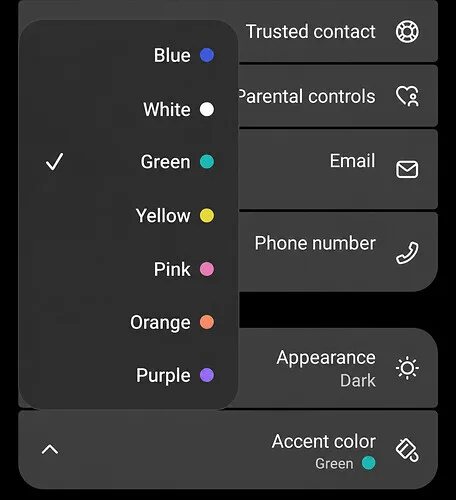
After updating the ChatGPT Android app to version 1.2026.265, the existing Green appearance option now produces a noticeably teal/turquoise accent. The change appears consistently in both Dark and Light mode, and I first noticed it on September 23, 2026. No error message is involved; the setting applies, but its displayed color looks different.
What changed after the Android update
Before the update, Green was a more traditional green shade. In version 1.2026.265, the same Green option looks much closer to teal or turquoise. The difference is noticeable enough that I would not describe the two shades as visually equivalent.
This affects:
- Surface: Android
- App version: ChatGPT 1.2026.265
- Device: Samsung Galaxy S23 Ultra
- Android version: 16
- Release channel: Google Play beta
- Affected settings: Appearance / Accent color
The beta status is relevant context, but the observable issue is limited to the accent color’s appearance. There is no reported crash, error code, or message explaining the palette change.
How to reproduce the color change
The problem can be checked directly through the appearance settings:
- Open ChatGPT Settings.
- Go to Personalization / Appearance.
- Select Green as the accent color.
- Compare the displayed Green with the more traditional green shown before the update.
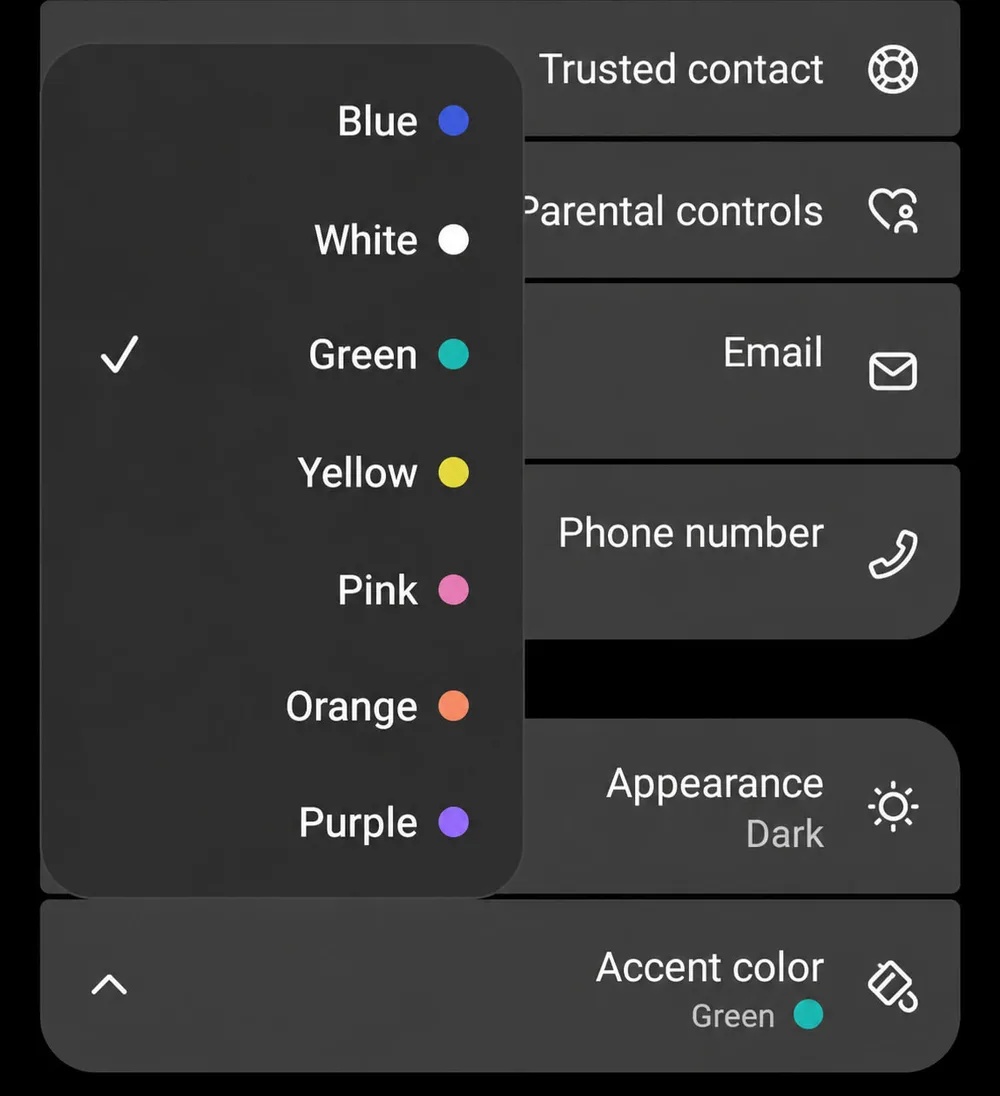
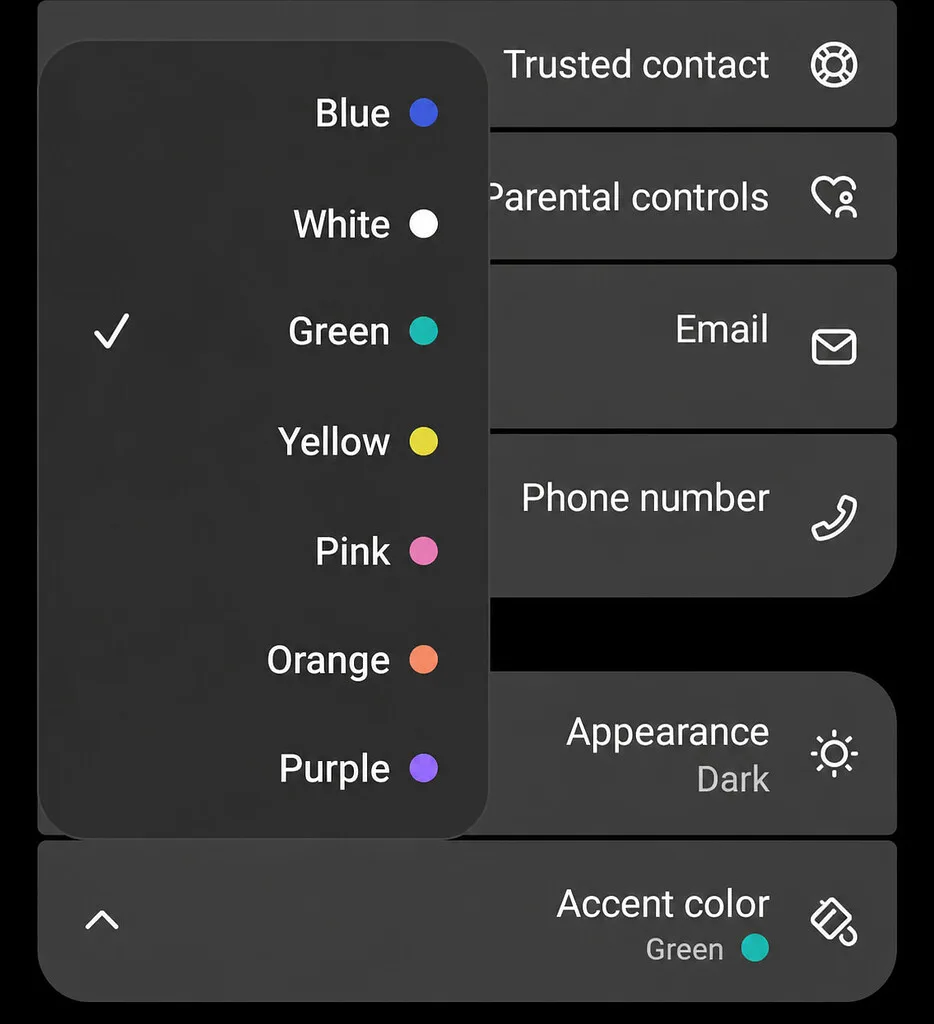
On this setup, Green consistently appears teal/turquoise after selecting it. The option remains labeled Green, even though the resulting shade now looks closer to Teal.
The diagnostic screenshot attached to the report is labeled file_00000000f61081f48017e2f025eeb3d81148×1258 83.9 KB. There is no exact error text because this is a visual discrepancy rather than a failed action.
Does Dark or Light mode restore the old Green
No. The updated teal/turquoise shade appears in both modes:
- Dark mode: The Green accent looks teal/turquoise.
- Light mode: The Green accent looks teal/turquoise.
Changing the mode therefore does not reproduce the previous green appearance. The color has changed consistently since I noticed it on September 23, 2026, after updating to version 1.2026.265.
Should the new shade be called Teal
I expected the existing Green option to retain its previous shade after the update. If the teal/turquoise color is intentional, adding it as a separate Teal option would make the naming more accurate without removing the traditional Green that existing users selected before.
Keeping the label Green while changing the shade also makes it harder to tell whether an appearance change was intentional. At the moment, the behavior I can reproduce is straightforward: selecting Green in ChatGPT 1.2026.265 on Android 16 produces the newer teal/turquoise accent in either Dark or Light mode.
That teal shift in 1.2026.265 is too strong; keeping the “Green” label while changing both Dark and Light accents feels misleading.