Discourse assignment submit error needs a backend check
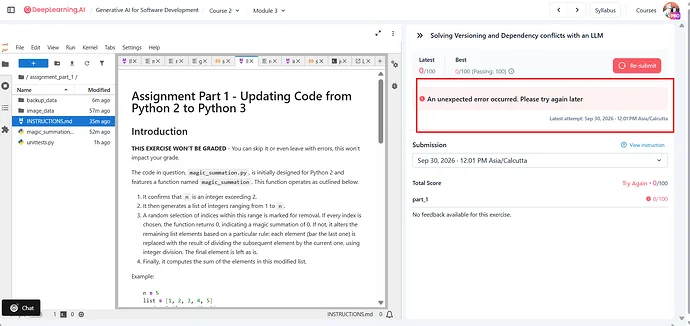
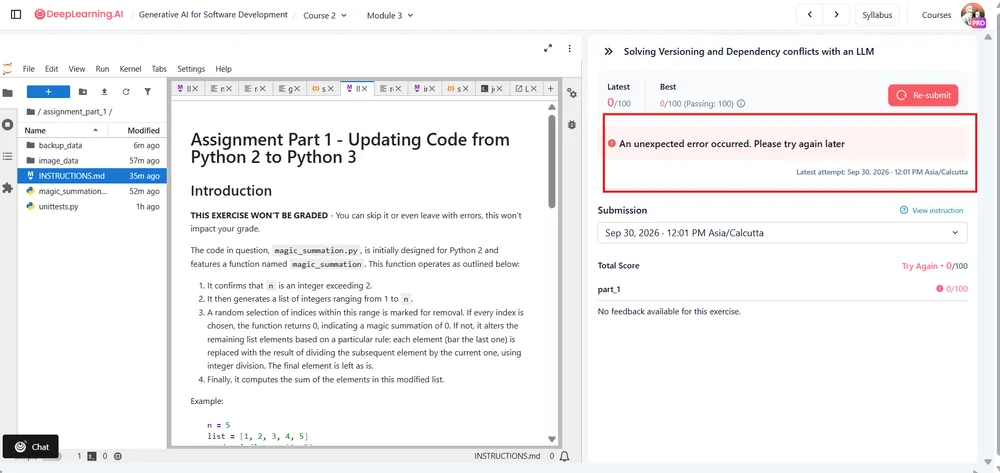
An assignment page that loads but fails on submit should be checked in two stages: eliminate a browser-side problem, then inspect the request reaching the Discourse server. The report shows “An unexpected error occurred. Please try again later” on a 1896×897 screenshot weighing 98.6 KB. If that exact message survives a clean reload, repeated clicks are unlikely to provide better evidence.
What can be checked before calling it a backend issue?
Preserve any answer or attachment before changing browser state. Copy the draft into a local document, then try a normal reload and a private browser window. If the assignment still fails, open another discussion on the same forum.
That check separates two situations:
- If unrelated pages also produce errors, the forum may have a broader service problem.
- If discussions load normally but only the graded-assignment submission fails, attention should move toward that submission route and any integration handling it.
Also confirm that every required field and attachment control is visible and usable. A missing or unresponsive input can be intercepted by the interface and converted into the same generic submission message.
What does the browser failure reveal?
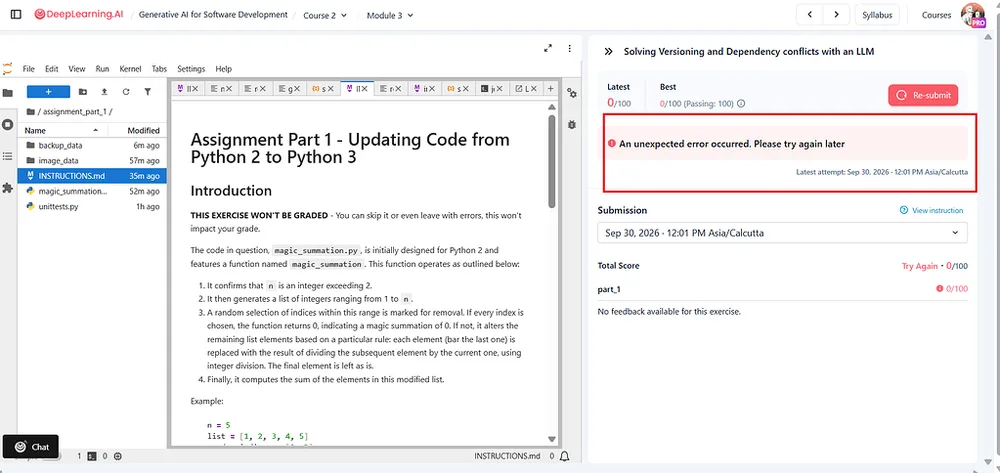
The exact visible error is:
An unexpected error occurred. Please try again later.Open the browser’s Network panel, submit once, and inspect the failed request. Record the request address, HTTP status if shown, and any response text. These details are much more useful than another screenshot of the same dialog.
A request that never leaves the browser points toward connectivity, browser security, or client-side handling. A request that reaches the forum and returns a failure gives an administrator something concrete to trace. The generic message alone cannot establish which case occurred.
Who should investigate the Discourse server?
Discourse is 100% open-source and can be self-hosted, although official Discourse hosting is also available. That distinction decides who can investigate the failure.
For a self-hosted forum, the site operator can inspect application and server logs around the failed submission, then look for an exception associated with that request. Discourse supports plugins, so if ordinary browsing and sign-in still work, the submission path and relevant plugins deserve closer inspection rather than assuming the entire forum is down.
Plugins should be isolated through the site’s normal admin process, not by removing code or making speculative edits. The useful result would be a log entry or failed request tied to the submission, not simply another attempt after a restart.
What should an official-hosting user send?
Users without server access should contact their forum host or administrator with the exact error text, the screenshot, the affected assignment address, the account name, and the approximate local time of the failure. They should not need to diagnose Discourse infrastructure themselves.
If the screenshot is all the support request contains, the likely next step is another round of troubleshooting with no additional evidence. The failed request details or server-side log entry are what can move the case forward.
The original backend theory is plausible, but the visible error does not prove it. The decisive point is whether the submission request reached the forum and what happened after it arrived.
All Replies (4)
Want a live back-and-forth? Join the global AI chat room — login to talk.
The tar.gz suggestion misses the backend path. If the exact error survives a clean reload, inspect the failed request and server logs next.
98.6 KB screenshot size suggests a potential image upload issue, not a backend problem.
98.6 KB for a 1896×897 error screenshot? That’s either a terrible JPEG quality or a weird encoding issue—either way, the backend’s choking on something visual before it even hits the API.
98.6 KB screenshot screams a rendering bug before reaching backend.