Google AI Studio Build Agent keeps hitting a quota error despite zero usage
The Build Agent in Google AI Studio is completely stuck for me, throwing a “Quota exceeded. Please try again later” error even though my actual usage metrics are sitting at zero. It is incredibly frustrating because the application itself works fine, but the agent refuses to execute any requests.
What is actually happening?
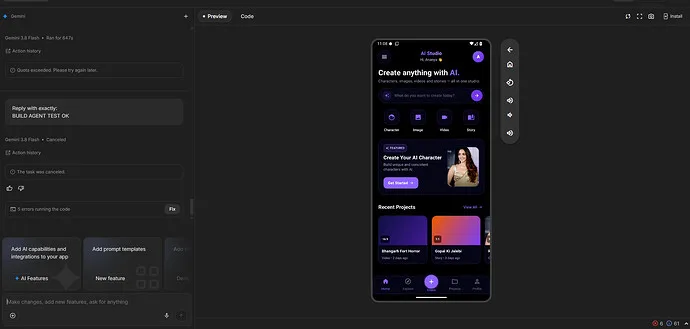
Every time I try to run the Build Agent, it fails. I am seeing two specific errors popping up:
- Primary error: “Quota exceeded. Please try again later.”
- Secondary error: “Encountered retryable error from model provider: Agent execution terminated due to error.”
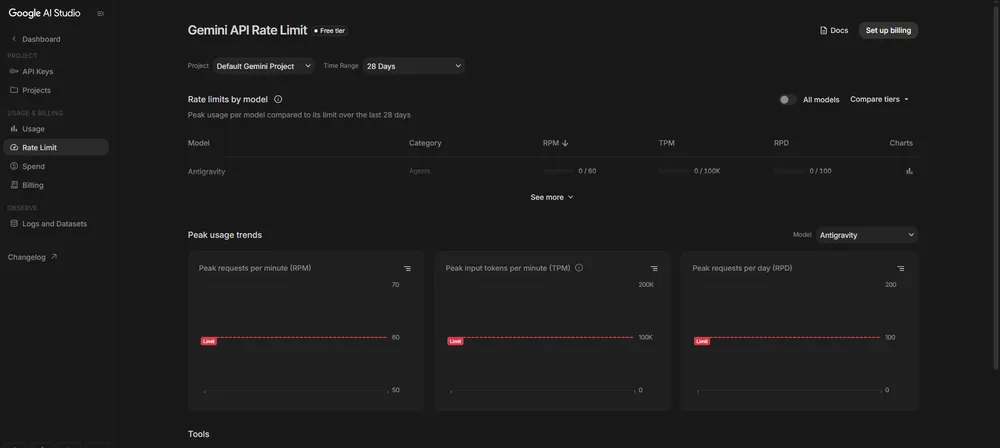
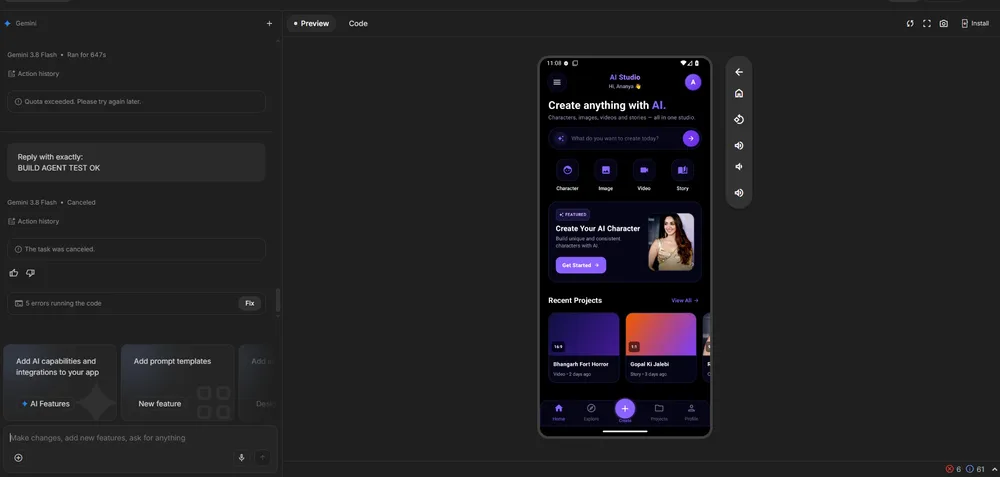
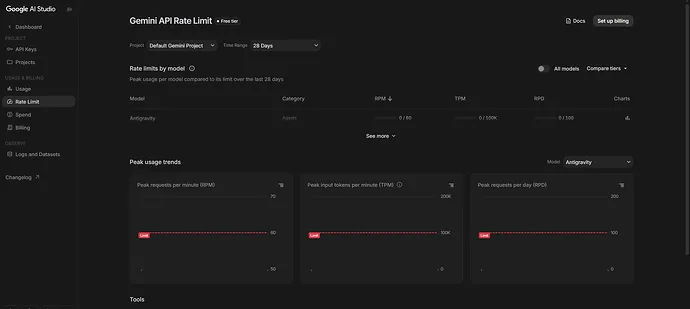
The weird part is that when I check the Rate Limit page, everything looks empty. I am on the Free tier with no billing configured, and my Antigravity stats are showing:
- RPM: 0 / 60
- TPM: 0 / 100K
- RPD: 0 / 100
Project details for context
I have checked my settings and everything seems correct on the surface. For anyone trying to cross-reference this with their own logs, here are the identifiers involved:
- App ID:
020025a0-5b03-41d1-8cb7-702a8bd565b0 - Project ID:
gen-lang-client-0046588…
I am trying to figure out if there is a separate execution limit for the Build Agent specifically, or if this is just a project entitlement bug. If anyone has dealt with these "retryable errors" while their dashboard shows zero usage, let me know how you got around it.
All Replies (3)
Want a live back-and-forth? Join the global AI chat room — login to talk.
I'm so annoyed because this hit me last Tuesday. The "Quota exceeded" bug is basically a coin flip for everyone right now.
I want to try this tonight. Does the quota error persist if you switch to a different API key?
Frustrating as hell. Does that "Quota exceeded" error happen on Gemini 1.5 Pro or only when you switch to Flash?