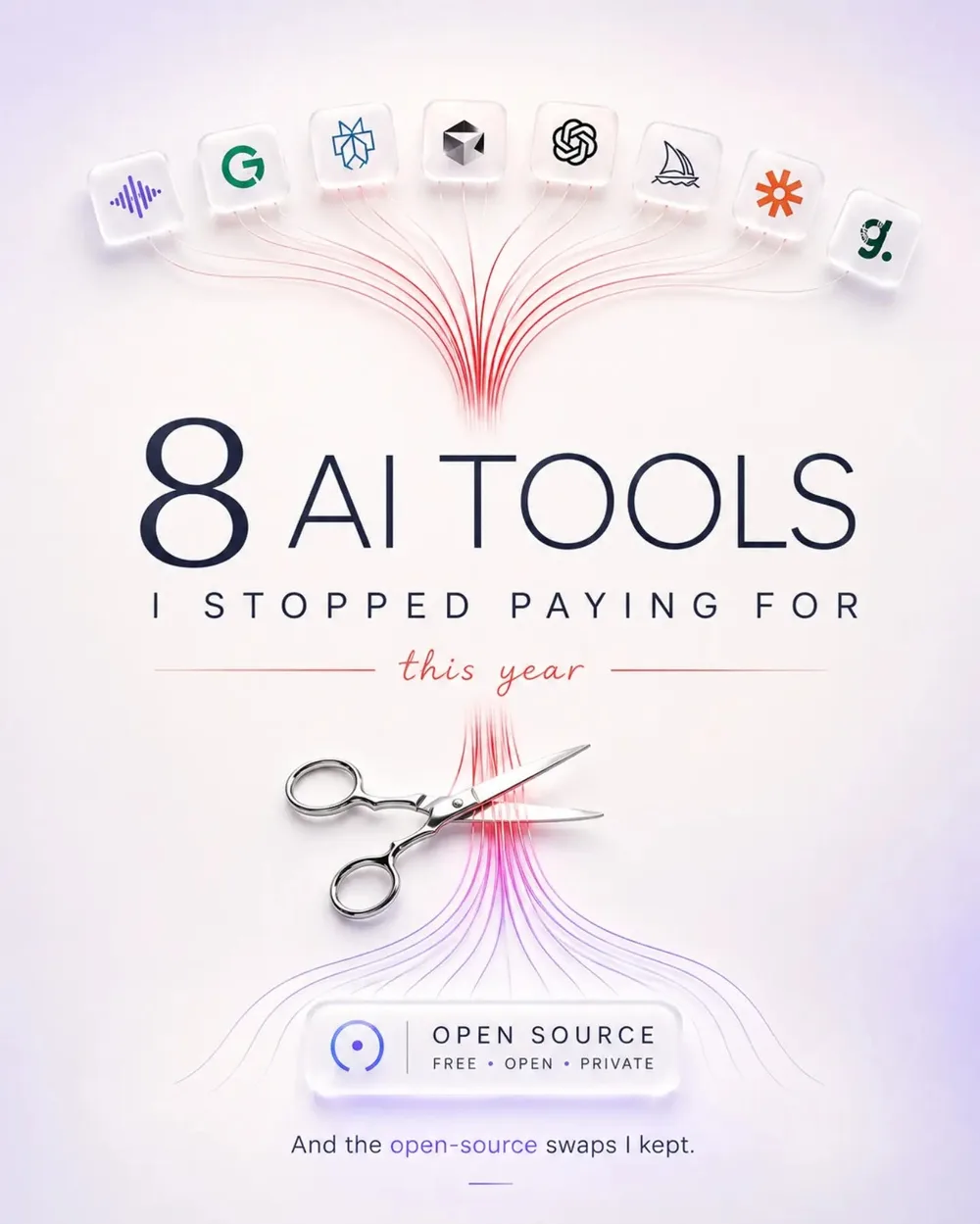
I slashed my monthly AI subscription costs by 60 percent with ease
The Shift to Local and Open Source
The largest drain on my budget came from specialized writing assistants and basic research tools. I have migrated nearly all of those tasks to a local setup. If you possess a decent GPU, running a local LLM agent offers massive wins for both privacy and cost. I stopped paying for a dedicated AI writing tool, switching instead to a combination of a local Ollama instance and custom prompt engineering.
Is a unified API aggregator the best alternative?
For those lacking the technical skills to host their own, a unified API aggregator is the best alternative. Rather than maintaining five different $20 subscriptions, I simply pay for the tokens I actually use.
Replacing the AI Wrapper Subscriptions
I realized I was paying for three different tools that essentially just sent my data to GPT-4o or Claude 3.5 Sonnet. This is how I restructured my stack:
Can large context windows replace PDF AI tools?
AI PDF Analyzers: I ditched the monthly subscription for a dedicated PDF AI. Now, I just dump files into a large context window model.
AI Meeting Notes: I stopped paying for automated transcription services and started using a basic open-source Whisper implementation for my audio files.
AI Image Gen: I moved from a monthly subscription to a pay-as-you-go credit system or local Stable Diffusion.
AI Copywriting: I replaced premium templates with a few well-crafted system prompts in a free-tier LLM.
A Practical Tutorial for the Switch
To start cutting costs, follow this simple deployment path to move from paid wrappers to a sustainable AI workflow:
What is the deployment path to cut AI costs?
- Install Ollama to run models like Llama 3 or Mistral locally on your machine.
- Set up a frontend like Open WebUI to get a ChatGPT-like interface without the monthly fee.
- For tasks requiring frontier power, use a pay-per-token API key rather than a flat monthly subscription.
# Example: Installing Ollama on macOS/Linux
curl -fsSL https://ollama.com/install.sh | sh

# Running a lightweight model for basic writing tasks
ollama run llama3
Is it worth the effort?
Does one-click convenience justify the premium price?
It depends on how much you value one-click convenience. Paid tools manage the infrastructure for you, but you pay a convenience tax. Moving to a custom AI workflow requires a deep dive into how these models work, yet the cost savings are immediate.
The real-world result for me went beyond saving money; I actually achieved better results. When you stop relying on pre-set templates and start practicing actual prompt engineering, you realize the underlying models are far more capable than the wrappers suggest. Most AI features in expensive software are just hidden prompts that you can easily replicate for free.
All Replies (4)
Want a live back-and-forth? Join the global AI chat room — login to talk.
LM Studio is awesome, though those GPU offload settings are a total nightmare to figure out.
Impressive savings! Which local model are you using to handle long contexts without the lag?
Ollama is a lifesaver, but how much VRAM do I actually need to avoid lag?
VRAM is a nightmare. Which GPU did you upgrade to for better tokens per second?