How to get help when OpenAI ad support emails go unanswered?
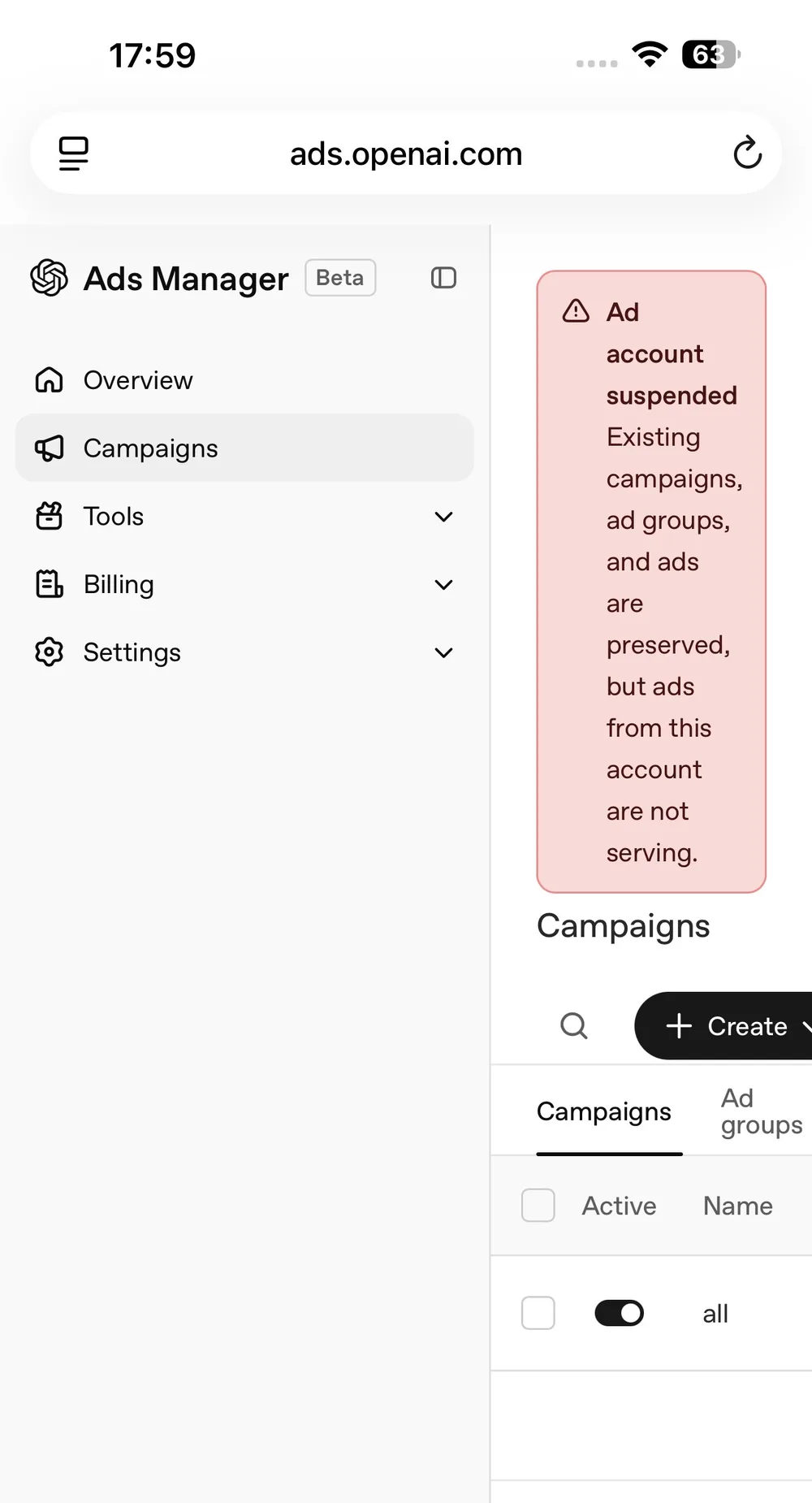
My ad account was suspended without a clear explanation. The dashboard shows the message “Ad account suspended Existing campaigns, ad groups, and ads are preserved, but ads from this account are not serving.” I have sent several emails to [email protected] and received no reply. Like many advertisers in this situation, I am looking for a way to reach a human who can lift the block or at least clarify the reason.
When support channels appear silent, the first thing to verify is whether the suspension is tied to a policy violation or a billing issue. OpenAI’s advertising terms prohibit certain content, and automated systems sometimes flag accounts incorrectly. Logging into the ad console and reviewing any notifications or policy warnings can reveal if a specific ad or landing page triggered the action. If no warning is visible, the next step is to check the OpenAI status page for any ongoing incidents that might affect support responsiveness. A broad outage could delay ticket handling even though the platform itself remains operational.
If the status page shows normal operation, the next practical move is to use the community‑driven help resources. OpenAI maintains a public forum where advertisers and developers post similar issues; searching for “ad account suspended” often yields threads where staff members have intervened after a few days. Posting a concise description that includes the exact error text and the support email address can increase the chances of a reply. Be sure to omit any personal data beyond what is already visible in the account notice.
Another avenue is to reach out via the general contact form on the OpenAI website. While the form routes to the same support team, it sometimes bypasses the email queue and creates a ticket with a tracking number. When submitting the form, reference the suspended account ID and copy the exact message from the dashboard. This creates a paper trail that can be escalated if the initial response is delayed.
Should those attempts still yield no reply after a reasonable period, consider checking whether the suspension is linked to a payment method. Some platforms automatically pause advertising when a card fails or when invoices are overdue. Verifying that the billing section shows a valid, up‑to‑date payment method can rule out this common cause. If the billing details are correct and the account remains blocked, the final recourse is to ask for a supervisor or escalation path through the same support channels, noting that standard email has been unresponsive for over a week.
Throughout this process, keep a record of every attempt: timestamps, the exact wording of messages sent, and any automated replies received. This documentation is useful if you later need to involve a third‑party mediator or review the decision under OpenAI’s terms of service. While waiting for a resolution, it is wise to pause any new campaigns from the suspended account to avoid further policy flags, and to explore alternative advertising platforms that offer more immediate support channels.
In summary, when OpenAI ad support emails go unanswered, start by checking the ad console for policy notices, verify the status page for service issues, post in the community forum with the exact error text, use the website contact form, confirm billing details, and finally request escalation. These steps rely only on information publicly available from OpenAI and do not require inventing phone numbers or unverified claims.
That's frustrating, especially with no response from ads-support@openai.com. Have you tried the chat widget on help.openai.com?