Microsoft is finally killing the double Copilot icon clutter
Having two separate Copilot apps sitting in the Windows taskbar was a bizarre user experience choice that never made sense. Microsoft is finally fixing this by merging the consumer and commercial versions of the AI assistant into a single unified interface. They're calling it a "super app" move, though in reality, it's just cleaning up the fragmented mess of having a personal account and a work account living in two different pieces of software.
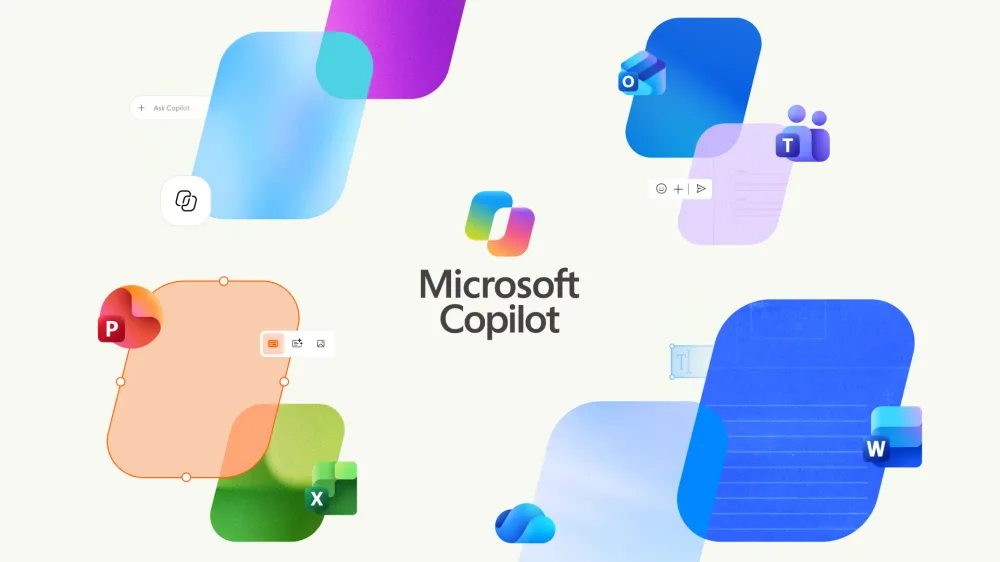
The new unified app keeps the "Microsoft Copilot" name but sports a refreshed icon. The goal here is to let users switch between their personal chat/image generation needs and their Microsoft 365 work integration without jumping between different app windows. It's a necessary step for anyone trying to build a cohesive AI workflow where the boundary between "home" and "office" is blurred by a single LLM agent.
Why this actually matters for power users
For most people, this is just a UI cleanup, but for those of us deep into prompt engineering and productivity hacking, the friction of switching apps is a real productivity killer. When you're in the middle of a complex task, having to remember which window is tied to your corporate tenant and which is tied to your personal account is annoying. By consolidating these, Microsoft is essentially creating a single entry point for their entire AI ecosystem.
The "super app" terminology suggests they want Copilot to be the primary OS layer—a place where you don't just chat, but actually trigger actions across the entire M365 suite. If you've been trying to implement a more streamlined AI workflow, this should theoretically reduce the cognitive load of managing multiple identities.
From a deployment perspective, this is a smart move to increase adoption. The fewer barriers there are to accessing the commercial features from a personal state (and vice versa), the more likely users are to lean into the ecosystem. It'll be interesting to see if this leads to better cross-pollination of data—like using a personal research thread to inform a professional document—though security permissions will obviously still be the gatekeeper there.
It's about time they stopped treating the "Pro" and "Home" versions as entirely different products. A single, polished interface is way better than two mediocre ones fighting for space in the system tray. If they keep this trajectory, we might actually get a cohesive experience where the AI understands the context of your entire digital life rather than just the specific account you happened to log into five minutes ago.
All Replies (3)
Want a live back-and-forth? Join the global AI chat room — login to talk.
My muscle memory was a mess with those two icons. Is anyone else seeing the change yet?