Nexpath improves AI coding accuracy by adding a verification layer to your prompts
Sending a vague request like "add search to the task list" to an AI agent usually results in a 50/50 coin flip on whether the implementation actually meets your needs. You might get a case-sensitive search that breaks your existing filters, and you won't realize it until you've already accepted the code change. Nexpath acts as a middleware layer that catches these gaps, suggesting acceptance criteria and verification steps before the prompt ever hits the LLM.
How does the prompt enhancement actually work?
Instead of replacing your prompt, Nexpath analyzes the request and appends a structured guidance block. If you're using the browser extension with tools like Replit, Lovable, or Bolt, it intercepts the input. It doesn't just "rewrite" the prompt to be fancier; it adds specific technical requirements that are usually forgotten, such as:
- Verification steps: Explicitly telling the AI how to test the feature.
- Constraints: Ensuring existing behaviors stay intact.
- Acceptance expectations: Defining what "done" looks like for that specific task.

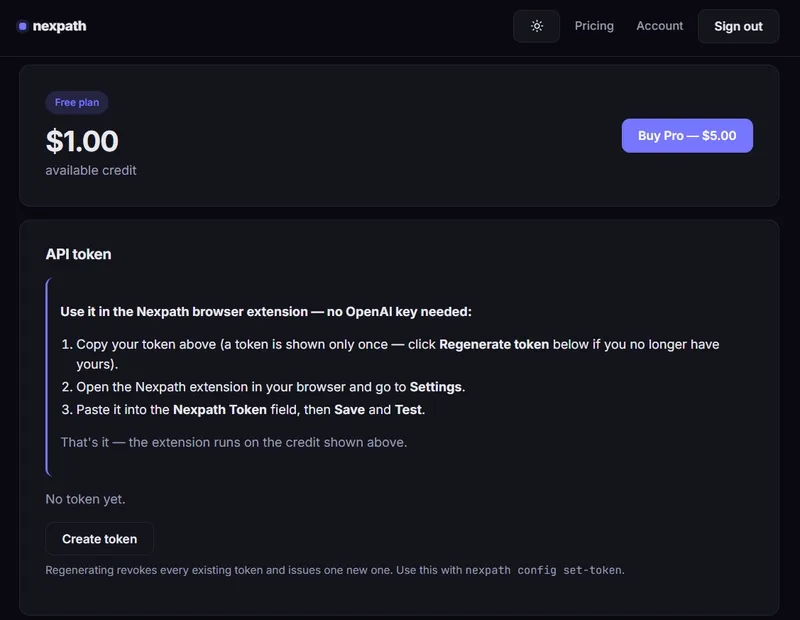
The original request remains visible, so you can decide if the added rigor is necessary or if it's just noise for a simple one-line CSS fix.
Does the benchmark data prove it works?
The team published SWE-bench Verified results comparing Claude Code with and without Nexpath across 40 tasks. The numbers show Claude Code solved 27/40 tasks on its own, while the Claude Code + Nexpath combo solved 29/40.
A jump of 2 tasks out of 40 isn't a statistical miracle, but it suggests that for the most difficult 5-10% of bugs, having a structured prompt prevents the agent from hallucinating a fix or missing a regression. For me, the value isn't in the benchmark, but in reducing the "prompt-and-pray" cycle where you spend 20 minutes undoing a change because the AI misunderstood a requirement.
Integrating Nexpath into your workflow
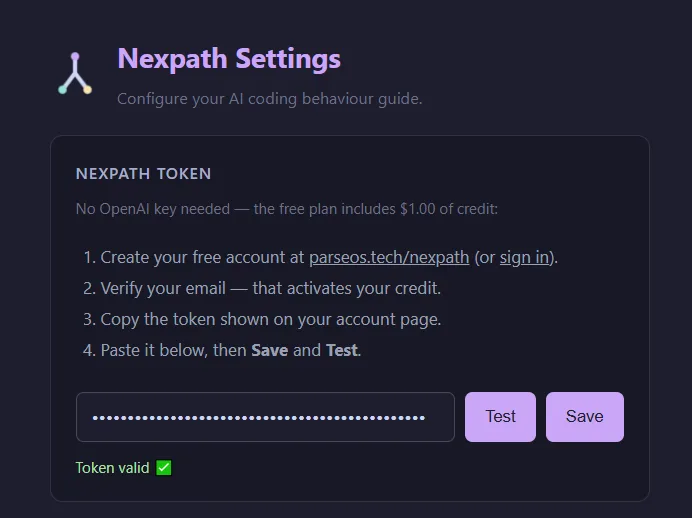
The tool is designed with a local-first architecture, meaning your prompt history isn't just floating in a cloud database; it's stored locally.
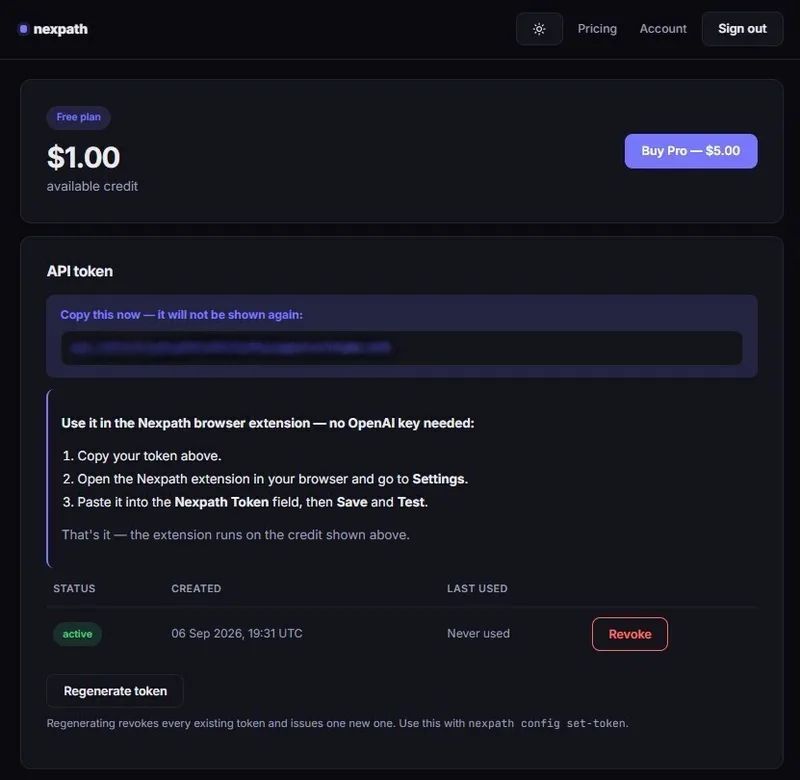
If you want to test it, you can integrate it into your current stack in two ways:
1. Browser-based tools: Use the extension to wrap prompts for Replit or Bolt.
2. Local IDEs: It integrates with Cursor, Windsurf, and Claude Code.
If you are used to manually writing "ensure this is case-insensitive and doesn't break the API" every single time, this layer automates that mental checklist.
# If you are exploring the open source side, you can find the project here:
`https://github.com/hi0001234d/nexpath`
The biggest risk with any "enhancement" layer is prompt bloat. If the guidance becomes too wordy, you risk hitting context window limits or confusing the model with contradictory instructions. My advice is to use it for feature additions or complex bug fixes, but disable it for trivial refactors where a "make this variable name more descriptive" prompt doesn't need a five-point verification plan.
All Replies (3)
I'm curious if this actually works better than PromptPerfect. Does it handle complex logic or just basic descriptions?
Finally, a privacy-first option. I want to try this tonight, but does it actually support the 402 error on API calls?
I'm curious if this actually works with Claude 3.5 or if it's just for GPT-4?