Bifrost and LiteLLM handle AI traffic differently depending on
Breaking down the gateway landscape
Depending on your stack, you're likely looking at a few different philosophies for routing AI traffic.
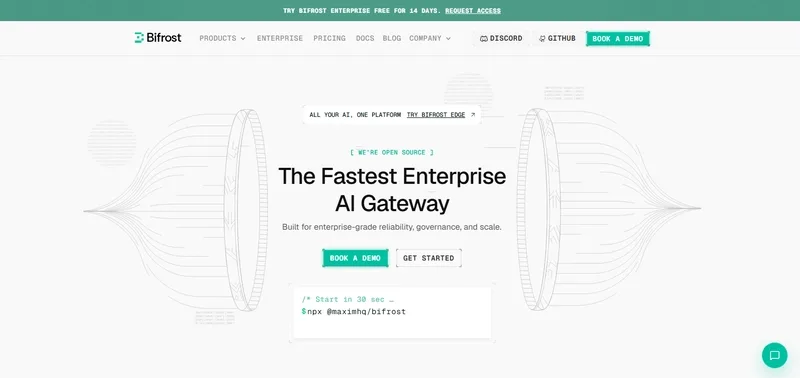
- Bifrost: This is built in Go and designed for mission-critical workloads where latency is the primary enemy. It focuses on high-throughput and cluster-level reliability. If you need a unified OpenAI-compatible interface that doesn't add noticeable lag to your requests, this is the move.
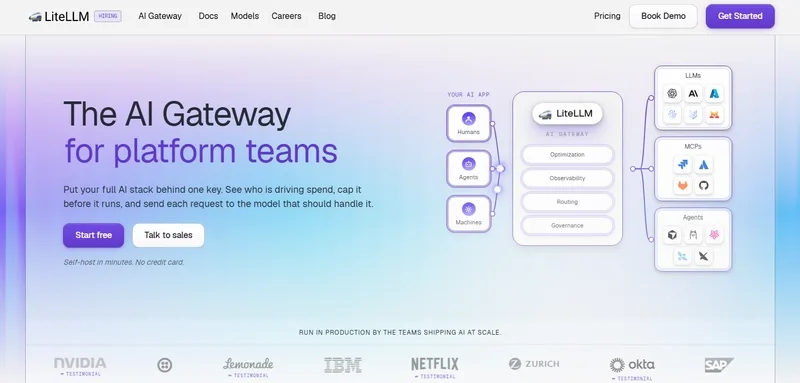
- LiteLLM: Great for those who just want a unified API across a dozen different providers without worrying about the underlying networking gear. It's a fantastic abstraction layer, though it doesn't lean as heavily into traditional API gateway infrastructure.
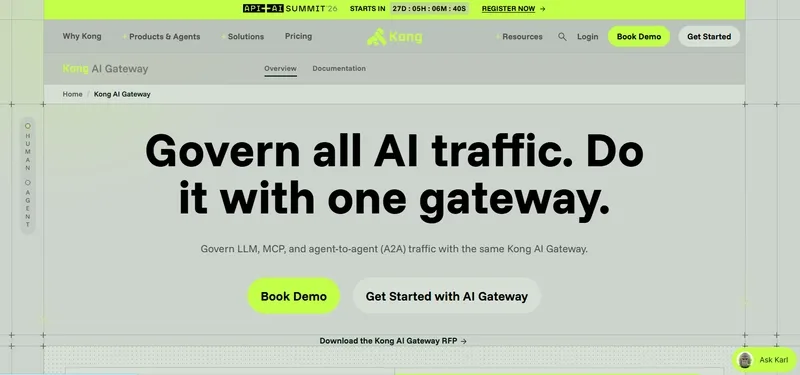
- Kong AI Gateway: Best for enterprises already locked into the Kong ecosystem. It treats AI traffic as part of a broader governance strategy, focusing on policies and observability.
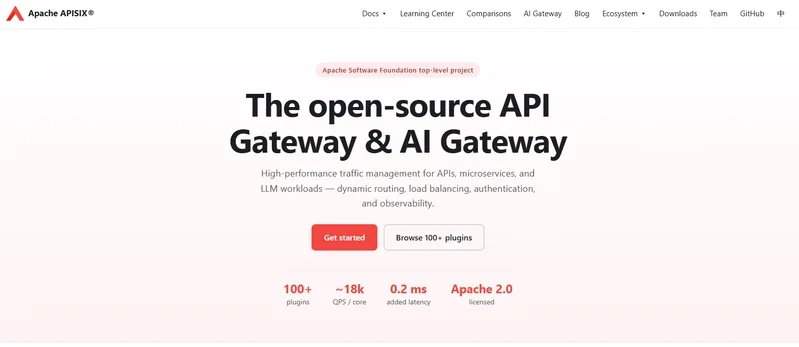
- Apache APISIX: A strong choice for cloud-native environments. It uses an extensible plugin model, meaning it's highly flexible if your team is already comfortable managing APISIX.
- Envoy AI Gateway: This is essentially for the Kubernetes power users. It's more of a networking tool that happens to handle AI traffic, making it a bit overkill if you just need a simple proxy.
The architecture shift
The goal here is to move from a fragmented setup to a centralized flow:
Application -> LLM Gateway -> AI Provider/Self-Hosted Model
This allows you to route a customer support query to a cheap model and a complex coding task to a high-reasoning model, all while the application thinks it's talking to a single internal endpoint. You get centralized token tracking and automatic failover without touching your application code.
Hands-on guide to setting up a routing layer
If you are looking to deploy a gateway to manage model fallbacks, you generally want to define your routing logic in a config file rather than in your code. For a performance-oriented setup like Bifrost, you'll be dealing with provider management and load balancing at the gateway level.
Since most of these tools aim for OpenAI compatibility, your prompt engineering workflow remains the same, but your deployment changes. Here is a conceptual example of how you might structure a request to a gateway that handles the routing to different providers based on the model name:
# Example of calling a gateway endpoint instead of a direct provider
curl https://your-gateway-endpoint/v1/chat/completions \
  -H "Content-Type: application/json" \
  -H "Authorization: Bearer YOUR_GATEWAY_KEY" \
  -d '{
    "model": "gpt-4o",
    "messages": [{"role": "user", "content": "Analyze this log file for errors."}]
  }'
In this scenario, the gateway checks if the primary provider is down or rate-limited and can automatically flip the request to a fallback provider without the user ever seeing a 429 error.
Real-world performance considerations
When evaluating these, pay attention to the "gateway overhead." In high-scale production, adding 50ms of latency to every request because of a slow proxy is unacceptable. Go-based tools like Bifrost are specifically optimized to keep this overhead in the microsecond range.
If you're just starting, I'd suggest a simple deployment of LiteLLM to get your providers unified. But as soon as you hit enterprise scale—where you're managing guardrails, semantic caching, and complex load balancing—moving toward a dedicated infrastructure layer becomes mandatory.