Why does every single note-sharing tool force a signup?
I recently tried to share some meeting notes via Slack, and it was a disaster. I pasted the markdown, but Slack mangled the tables, stripped the indentation from my code blocks, and turned my task lists into ugly [ ] strings. I spent way too much time fixing formatting that was already perfect in my IDE.
The problem is that when you want a clean link, you're stuck with a trade-off. Notion and Google Docs are great, but they often hit the recipient with a signup wall or a "request access" screen. Pastebins are too primitive—they're just single blobs of text. I needed something that supported multiple pages and rendered markdown properly, but didn't require a user account.
That's why I built SharePad. It's designed to be the middle ground between a disposable pastebin and a full-blown wiki, without the friction of authentication.
The architecture of "No Accounts"
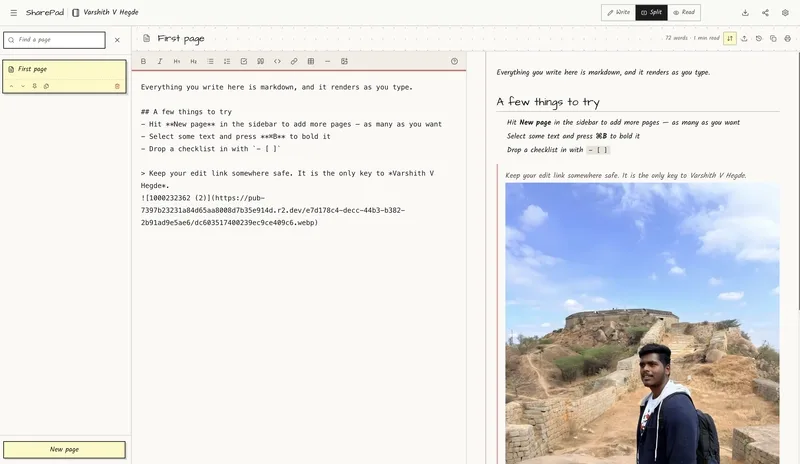
The core philosophy here is token-based ownership. Instead of a traditional auth flow with emails and passwords, the system generates a 32-byte secret at the moment of creation. This secret is hashed using SHA-256 and stored in Postgres.
When you create a notebook, you get two distinct URLs:
- View link: (e.g.,
/n/project-specs) This is what you send to your team. - Edit link: (e.g.,
/e/{secret-token}) This acts as your credential. If you have this link, you own the notebook.
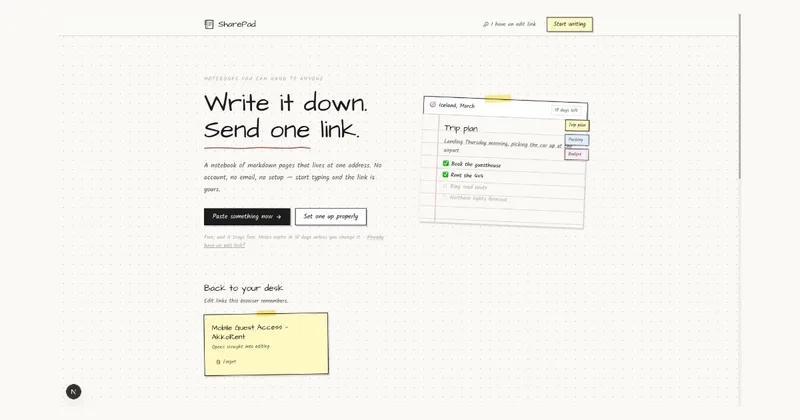
By removing session management and "forgot password" flows, the entire AI workflow for creating and updating docs becomes instant. You don't manage a user profile; you manage a secret token.
Practical usage and features
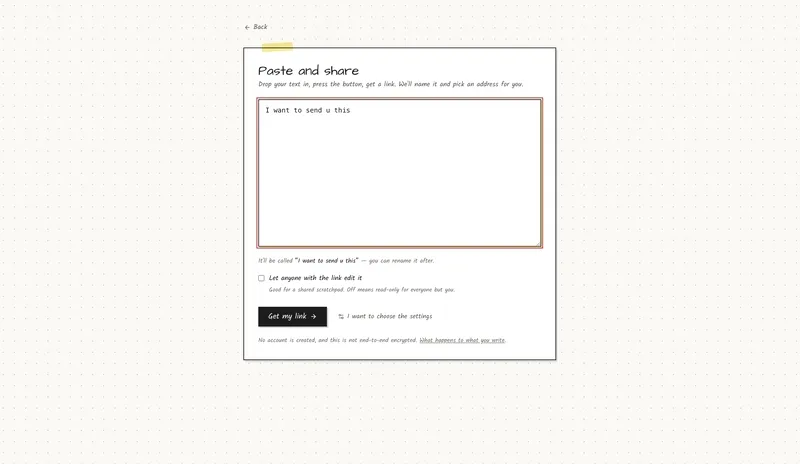
If you're looking for a real-world way to dump docs quickly, the /quick route is the fastest path. You drop your markdown, the system pulls the title from your first H1 heading, generates a slug, and puts the edit link on your clipboard.
Unlike a standard pastebin, this is a multi-page system. You can have a primary page for meeting notes and separate pages for appendices or reference docs, all organized in a sidebar index. The reader only needs one link to navigate the entire set of documents.
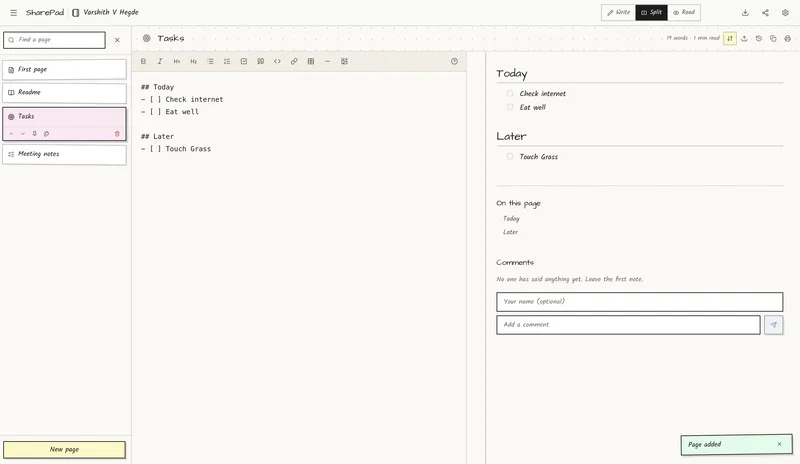
For those who want specific URLs, the /new route lets you claim a custom slug. The system checks availability in real-time and blocks reserved system routes (like /api or /new) so you don't accidentally break the app's routing logic.
Regarding access control, you have two main options:
- Private Editing: Keep the edit link in your password manager and share the view link.
- Open Editing: Toggle a setting that lets anyone with the view link contribute. This is perfect for collaborative lists or quick brainstorming sessions where you don't want to force five different people to create accounts just to add a bullet point.
For anyone wanting to check out the implementation or host it themselves, the code is available here:
https://github.com/Varshithvhegde/sharepadAnd you can try the live version at:
https://sharepad.inAll Replies (3)
Want a live back-and-forth? Join the global AI chat room — login to talk.
GitHub Gists are way faster than these apps for quick notes. Has anyone found a better no-signup alternative?