GitHub Copilot Stacked Sessions: My 10-Year Refactor Story
That screenshot of stacked sessions in the GitHub Copilot app is quietly the most useful thing for anyone staring down an old codebase. Stacked sessions are exactly what they sound like: a sequence of tasks in the same repository where each session picks up where the previous one left off. I put that pattern through a brutal real-world test — modernizing a personal dashboard app I haven't seriously touched since 2014.
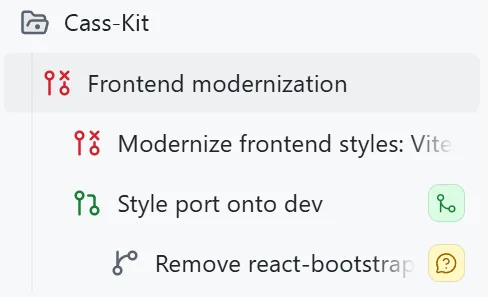
The state of things: React 15 (2016 vintage), Less for CSS preprocessing, react-bootstrap from the same era. The app still works, but untangling it without AI would've been a multi-week nightmare. I'd actually tried and given up before. It's not a huge codebase, but it's just big enough to hurt.
So I loaded the repo into the Copilot app and started in Plan mode, throwing the whole problem at it in one shot:
I want to modernize the frontend for this project. I first wrote a lot of this code more than 10 years ago and it should be cleaned up a lot. I'm thinking we start either using Tailwind or just vanilla CSS (please vet everything to help me decide), we remove all Less (etc), and clean everything up accessibility-wise and responsiveness-wise. Right now I really want to just focus on styles, and then slowly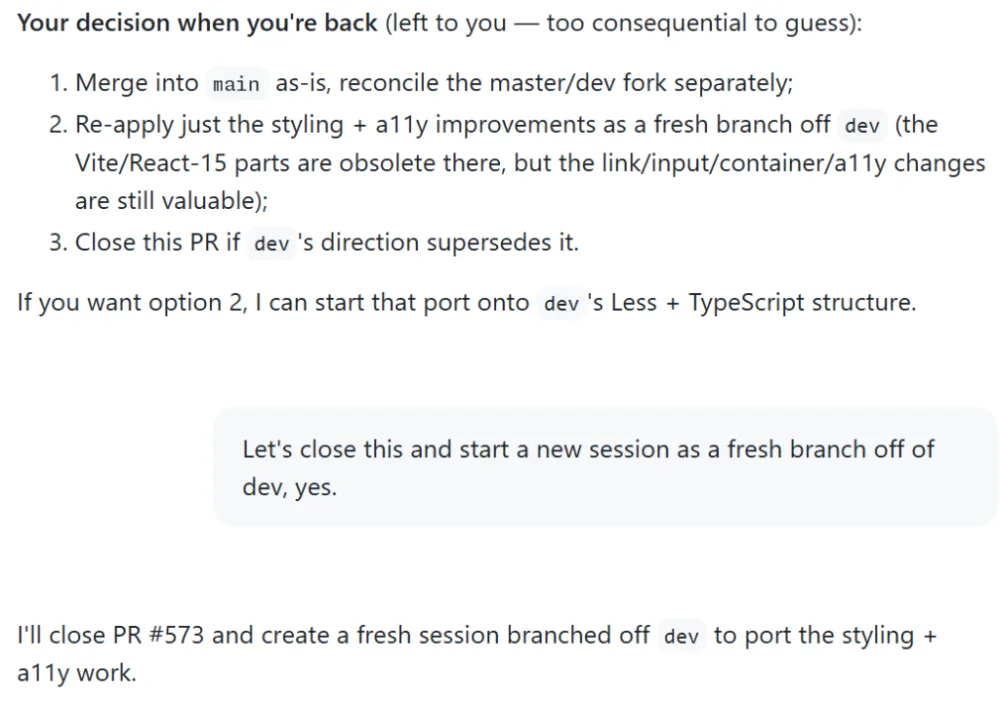
Loving the session naming trick! Does it help you organize the refactor steps chronologically?