BudgetBuddy: Building a Finance App with Java & Kotlin
Mixing Java and Kotlin in a single Android project is a great way to handle legacy stability while leveraging modern syntax. I recently put this into practice by building BudgetBuddy, a personal finance tracker designed to strip away the bloat found in most commercial budgeting apps.
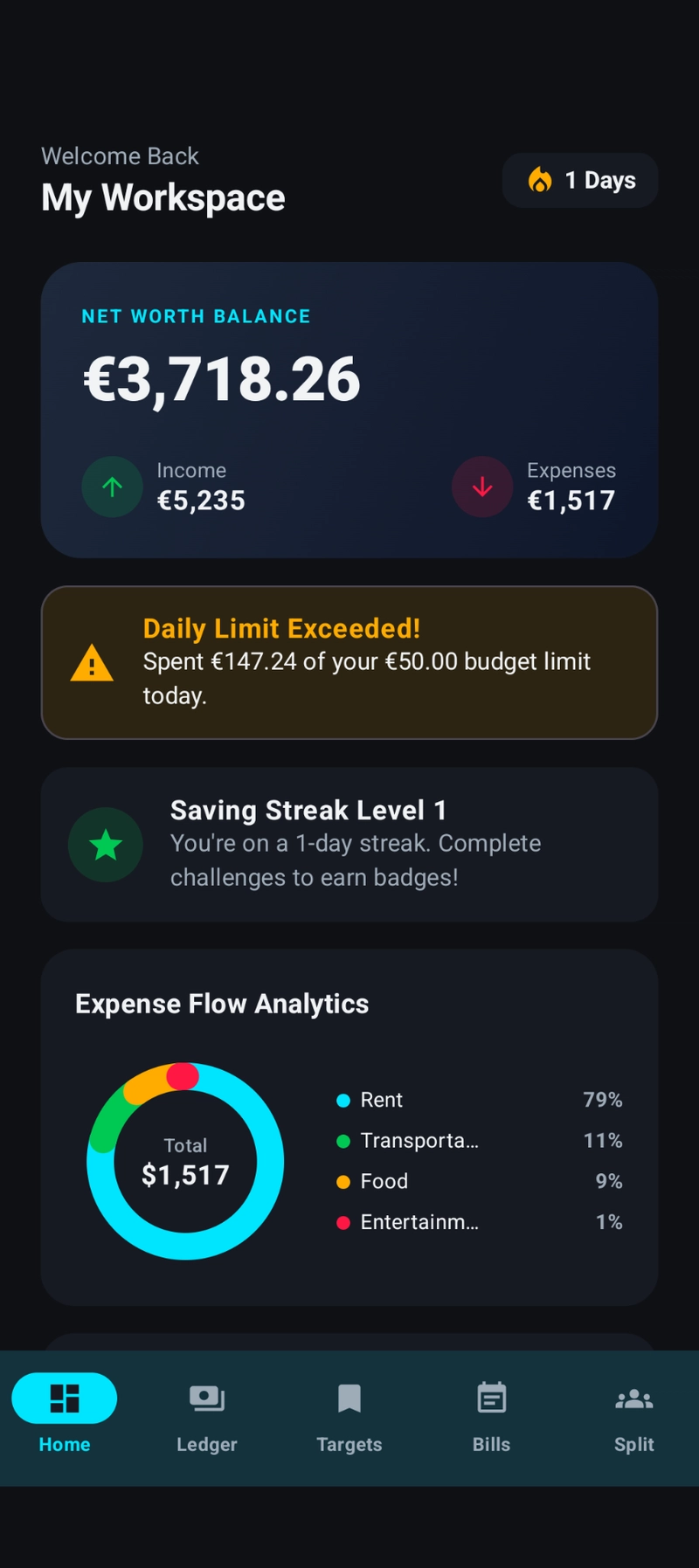
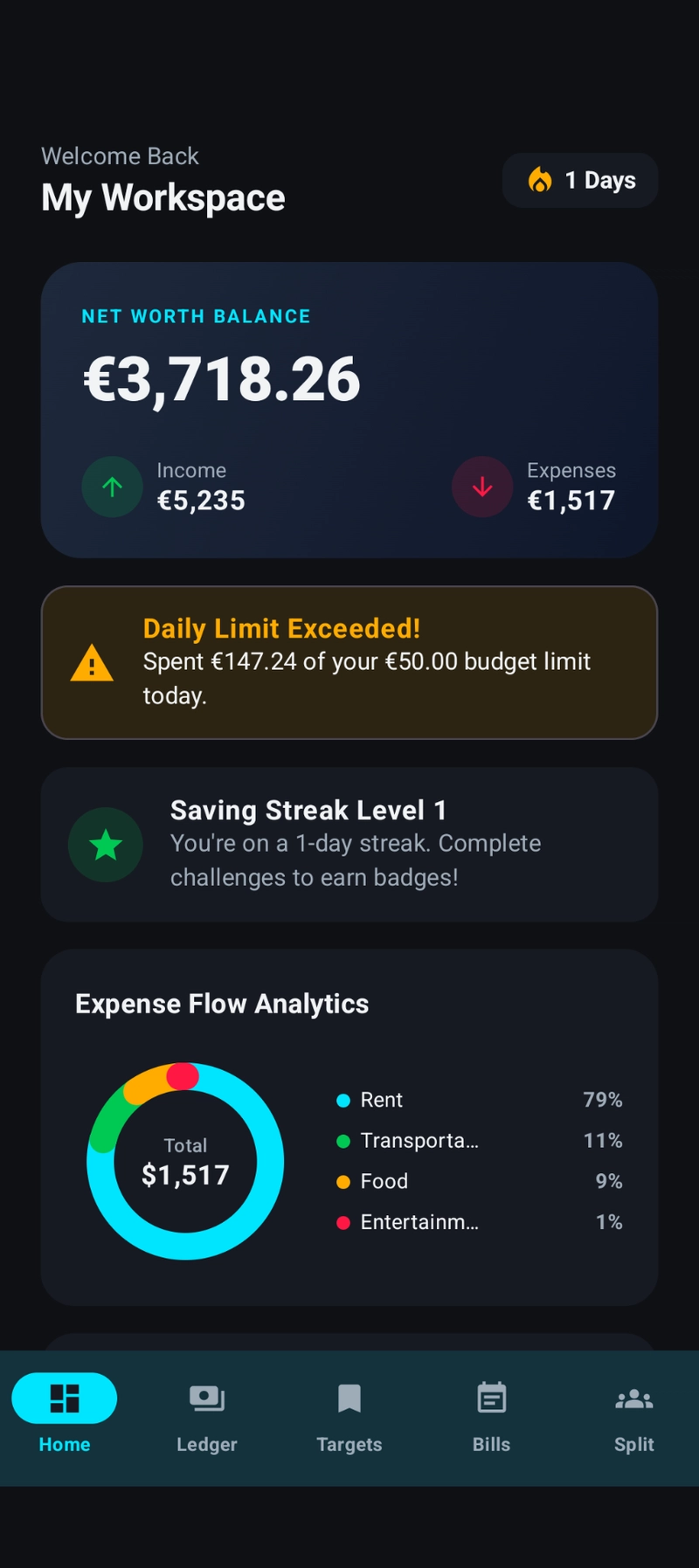
The core of the app relies on a local database (SQLite/Room) to keep transaction history private and fast. I focused heavily on Material Design to ensure the UI didn't feel like a boilerplate school project, especially with the implementation of a native dark theme.
Key Functionality
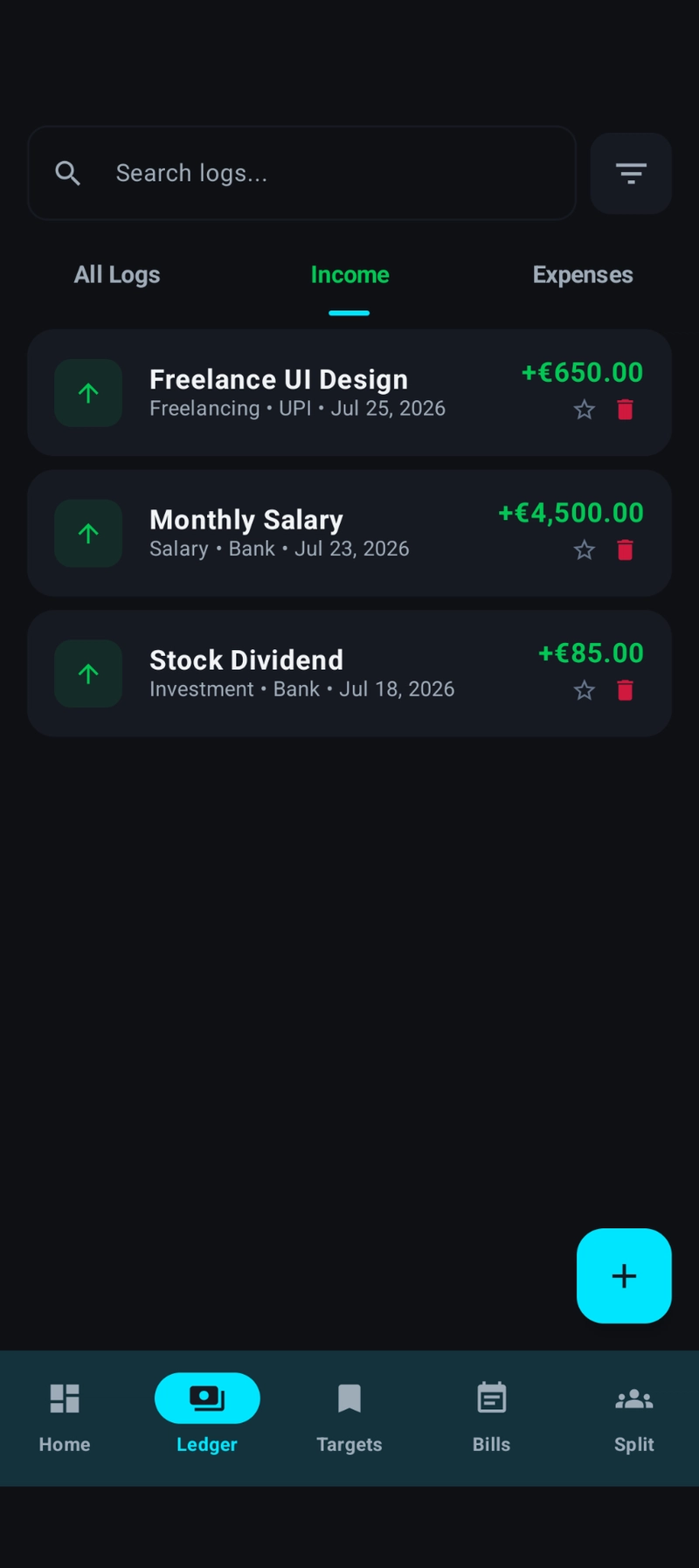
- Transaction Management: Full CRUD for income and expenses with categorized tagging.
- Budgetary Constraints: Monthly spending limits that track remaining balances in real-time.
- Savings Progress: A dedicated module to set targets and monitor accumulation.
- Bill Splitting: A utility to divide shared costs among group members.
- Instant Search: A filtered view of the transaction ledger for quick auditing.
The Tech Stack
- Languages: Java & Kotlin (Interoperability)
- IDE: Android Studio
- UI: XML Layouts & Material Design Components
- Build Tool: Gradle
- Storage: SQLite / Room Database
Development Hurdles
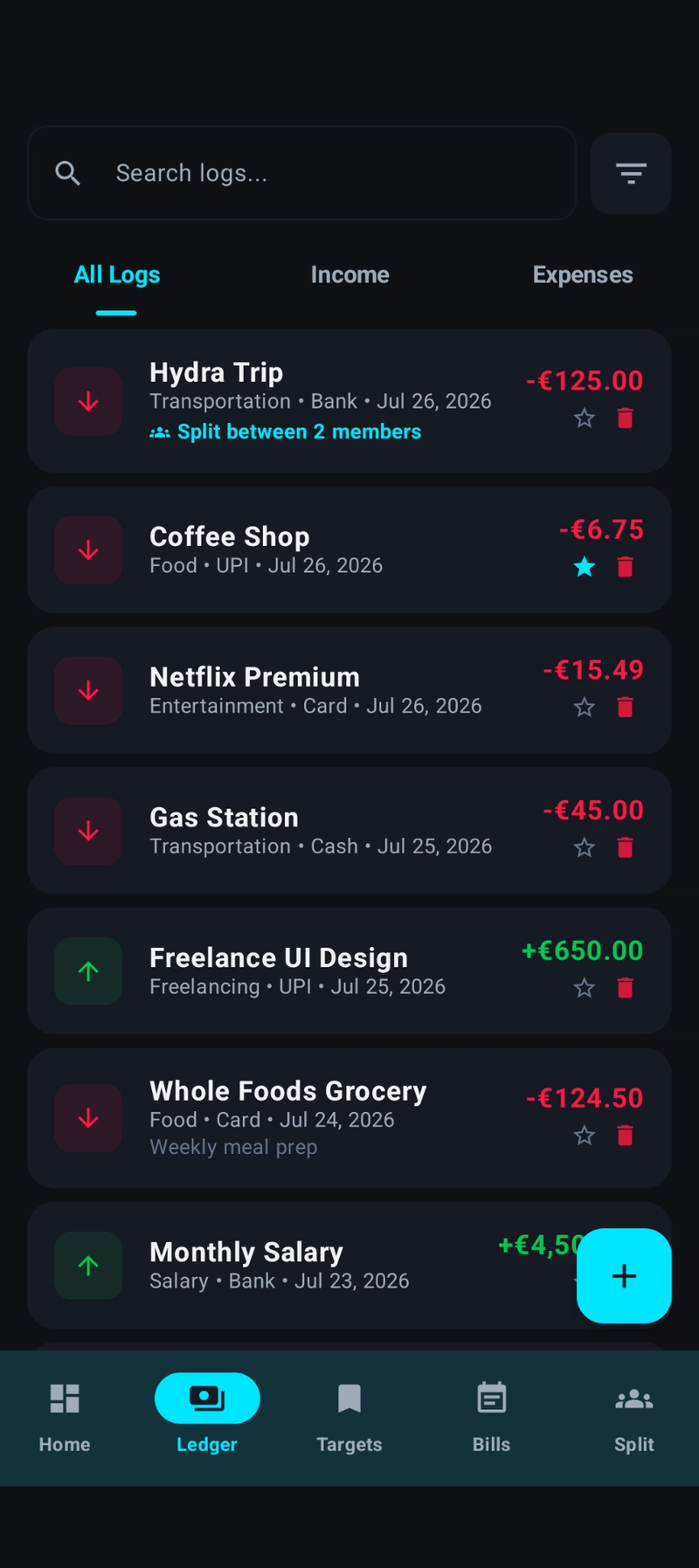
The biggest pain point was optimizing the RecyclerView for the transaction ledger. When the history grows, scrolling can stutter if you aren't careful with view holders and data binding. I also spent a significant amount of time refining the budget calculation logic to ensure that updates to expenses reflected instantly across the dashboard without triggering redundant database queries.
Deployment & Source
If you want to dive into the implementation or test the build, the project is open source.
Source Code: https://github.com/Toxiclikith/budgetBuddy-apk
Direct APK: https://raw.githubusercontent.com/Toxiclikith/budgetBuddy-apk/main/downloads/release/budget-buddy.apk
For the next iteration, I'm planning a deep dive into spending analytics using MPAndroidChart to visualize monthly trends, as raw lists only tell half the story.
All Replies (3)
My nullability errors are driving me crazy when calling Kotlin from Java. Did you find a fix for this?
Loved mixing Java and Kotlin for a side project! Did Android Studio give you any weird build errors?
Kotlin extension functions are a lifesaver. Did you run into any compatibility issues using both languages?