Terminal Sharing: How Shells End Up in Browsers
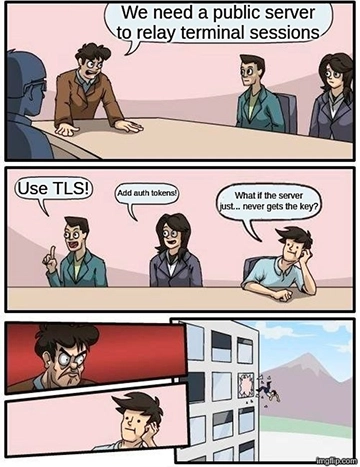
Screen sharing a 4K monitor during a debug session is a nightmare; your teammate ends up squinting at blurry, compressed monospace text that looks like oatmeal. The real solution is to move the terminal itself into the browser using tools like ttyd, TermPair, or sshx. This allows for actual text selection and native copy-pasting.
The magic behind this is the Pseudoterminal (PTY). When you run a shell like bash, it isn't talking to your keyboard—it's talking to a pair of linked file descriptors created by the kernel. One is the master, and one is the slave. The terminal emulator holds the master, and the shell holds the slave. Terminal sharing tools simply grab the master end and forward those bytes to a web socket instead of a local window.
In the sshx codebase, this looks like this:
use nix::pty::{self, Winsize};
use nix::unistd::{execvp, fork, ForkResult, Pid};
use nix::libc::{login_tty, TIOCGWINSZ, TIOCSWINSZ};

pub struct Terminal {
 child: Pid,
 master_read: File,
 master_write: File,
}
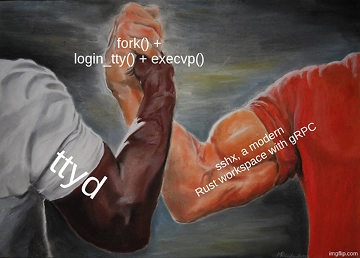
The process is a classic POSIX handshake: fork the process, call login_tty in the child so the slave fd becomes the controlling terminal, and then execvp the shell.
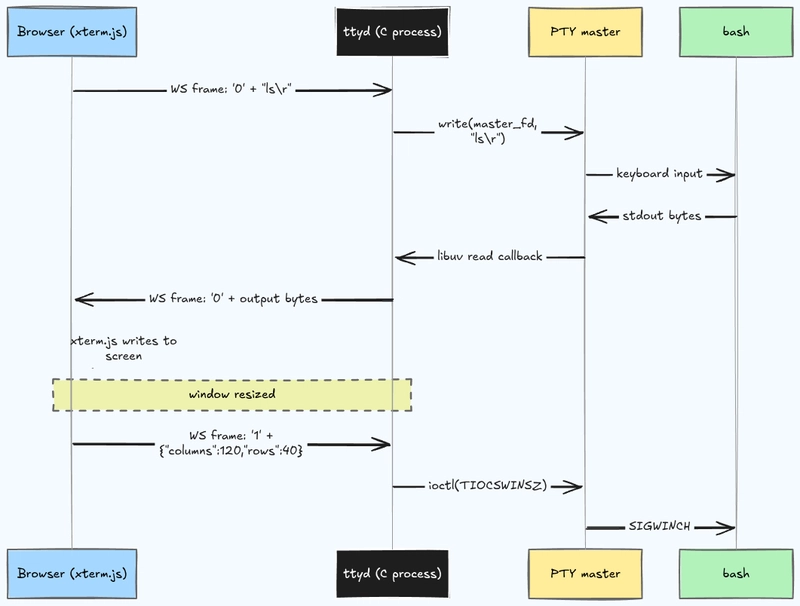
A critical technical detail here is TIOCSWINSZ. This ioctl is what handles window resizing. Without it, if you resized your browser window, a tool like Vim would smear across the screen instead of redrawing correctly.
If you want a deep dive into the simplest implementation, look at ttyd. It's written in C and uses libwebsockets and libuv. It acts as both the web server and the terminal host without any external relays. The wire protocol is incredibly lean, using single-byte opcodes to differentiate between input and output:
// client -> server
#define INPUT '0'
#define RESIZE_TERMINAL '1'
#define PAUSE '2'
#define RESUME '3'
#define JSON_DATA '{'

// server -> client
#define OUTPUT '0'
#define SET_WINDOW_TITLE '1'
#define SET_PREFERENCES '2'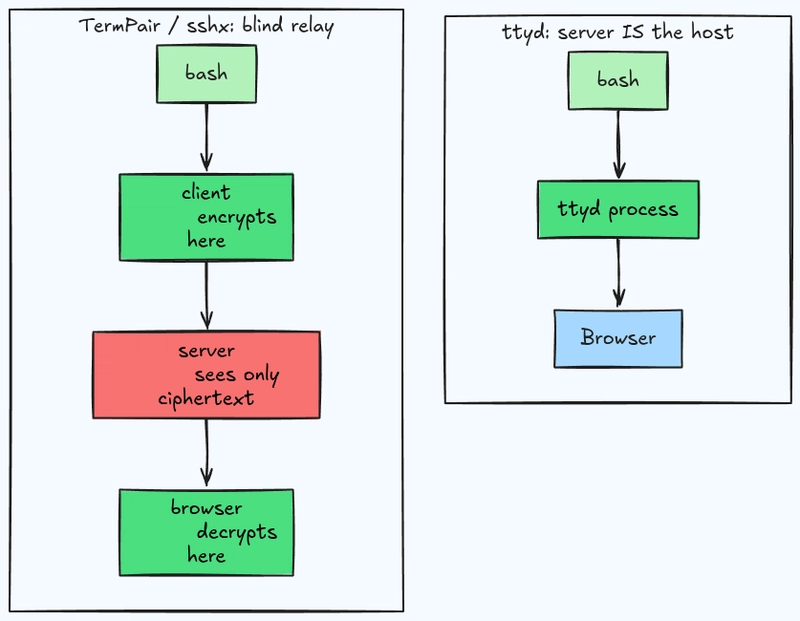
It uses '0' for keystrokes going up and terminal output coming down. It even includes PAUSE and RESUME commands to handle backpressure, preventing the browser from crashing when a command like cat dumps a massive file into the terminal.
For anyone building an AI workflow or an LLM agent that needs to interact with a remote environment, understanding this PTY layer is essential for creating a stable, real-world deployment.
ttyd is such a lifesaver. How does it compare to other browser-based shells?