NotebookLM: A Real-World Workflow for Research
Google's NotebookLM isn't just another wrapper for a chatbot; it's a grounded AI system that only looks at the sources you actually upload. This solves the biggest headache with LLMs: the hallucination problem. Instead of the AI pulling random facts from the web, it treats your PDFs, text files, and Google Docs as the sole source of truth.
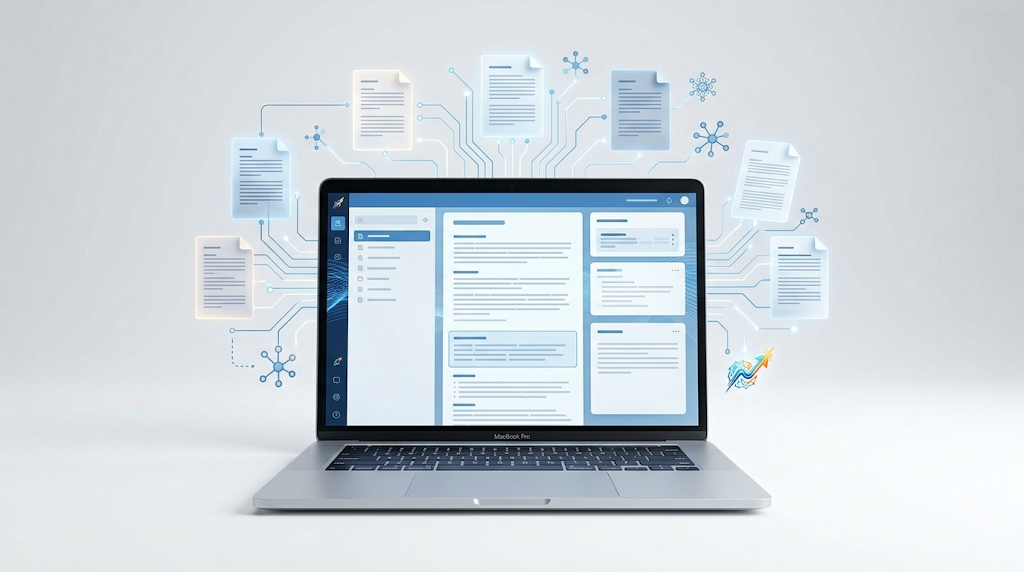
If you're dealing with a mountain of research papers or messy meeting notes, this is a practical tutorial on how to actually utilize it without wasting time.
Setting Up Your Knowledge Base
1. Create a Notebook: Think of this as a project folder. Everything inside this notebook is the "context window" the AI uses.
2. Import Sources: Upload your PDFs or paste URLs. The AI indexes these immediately.
3. Generate a Source Guide: Once uploaded, NotebookLM automatically creates a summary and suggests key questions based on your specific documents.
The Practical Workflow
The real power is in the "grounding." When you ask a question, the AI provides citations. You click the citation, and it takes you to the exact paragraph in your original PDF. This is essential for anyone doing academic work or technical documentation where "trust me" isn't a good enough answer.
For those trying to synthesize complex info, the "Audio Overview" feature is surprisingly decent. It turns your documents into a deep-dive podcast conversation. It's not perfect, but it's a great way to spot gaps in your own notes by hearing them discussed from a different angle.
Is it Actually Worth It?
Most AI tools feel like they're trying to do everything. NotebookLM is narrow, and that's why it works. It doesn't try to be a general assistant; it's a research partner.
The only catch is the dependency on the Google ecosystem. If you're allergic to Google Docs/Drive, the friction is there. But for a free tool that handles massive contexts without losing the plot, it's currently the most efficient AI workflow for students and researchers.
All Replies (3)
I'm worried about PDFs with heavy tables. Does the formatting hold up or just break completely?
Mind blown by the YouTube link feature. Which plugins work best for organizing those transcripts?
Impressive that it didn't hallucinate my thesis sources. Did you use the latest update for that?