Local LLM Deployment: A Practical Guide
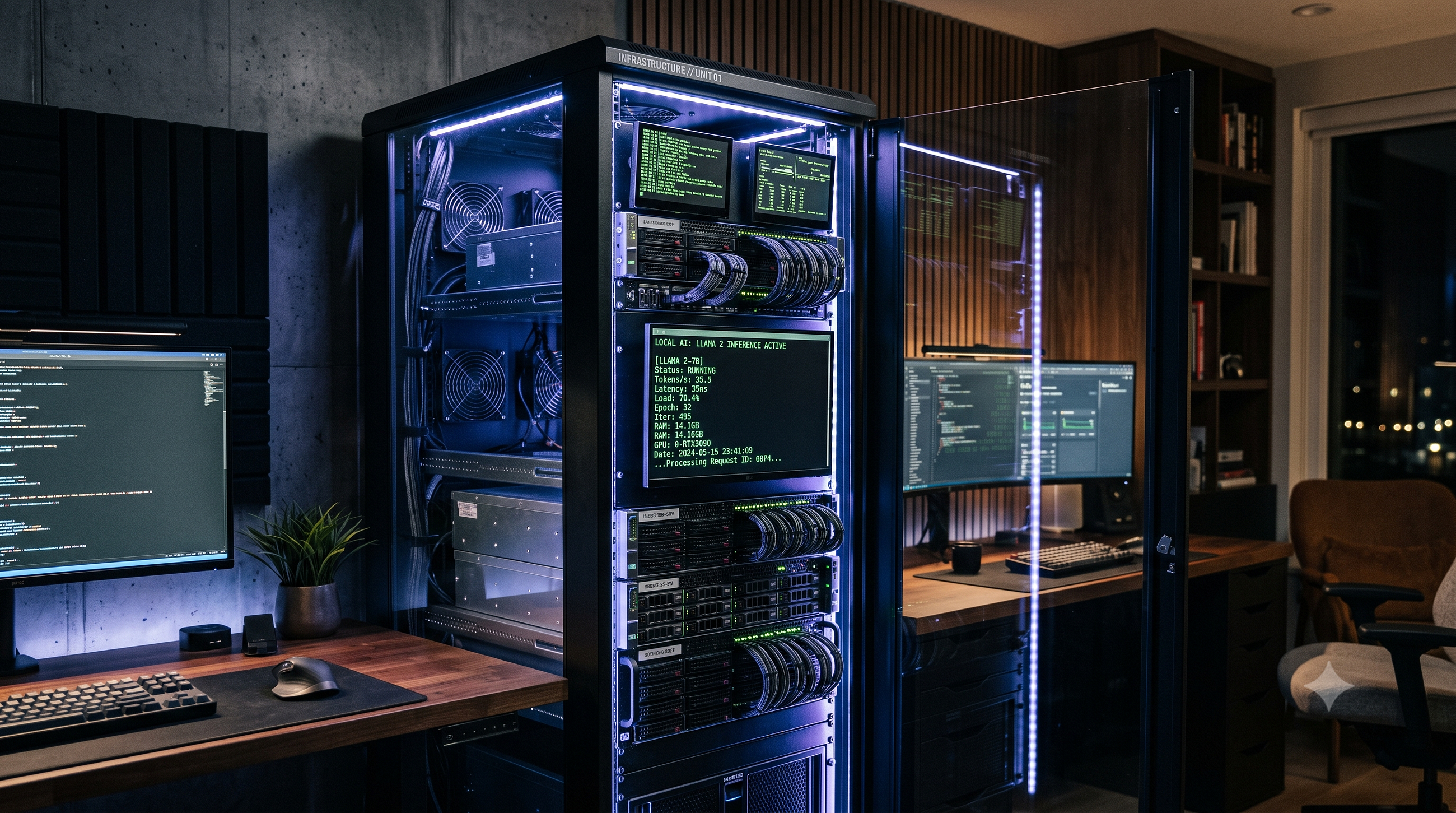
Running Large Language Models (LLMs) locally isn't just about privacy—it's about eliminating latency and avoiding the "subscription fatigue" of cloud APIs. If you have a decent GPU (or even a Mac with Unified Memory), you can host your own intelligence layer without sending a single packet of data to a remote server.
The primary hurdle for most is the hardware-to-model fit. You cannot simply download a 70B parameter model and expect it to run on 8GB of VRAM. The key here is quantization (reducing the precision of model weights), which allows massive models to fit into consumer hardware with minimal loss in reasoning capability.
Getting Started with Local Deployment
For those looking for a beginner-friendly entry point, I recommend starting with these tools to handle the backend orchestration:
1. Ollama: The fastest way to get up and running. It manages the model weights and provides a local API endpoint.
   # Install and run Llama 3
   ollama run llama3
2. LM Studio: Best for those who prefer a GUI. It lets you search Hugging Face directly and see exactly how much VRAM a specific GGUF file will consume before you download it.
3. vLLM: If you are moving toward a production-grade AI workflow, vLLM is the gold standard for high-throughput serving.
Hardware Constraints vs. Model Size
To avoid system crashes, follow these general VRAM guidelines:
- 8GB VRAM: Stick to 3B or 7B parameter models with 4-bit quantization.
- 16GB - 24GB VRAM: You can comfortably run 13B models or highly compressed 30B models.
- 64GB+ (Mac Studio/M-series): You can venture into 70B models, though inference speed will vary.
Is it Worth It?
The trade-off is simple: you trade convenience (cloud) for control (local). Local deployment is essential for developers building an LLM agent that needs to access sensitive local files or for those experimenting with prompt engineering without worrying about token costs. While the initial setup takes a bit of effort, the ability to swap models instantly and run them offline makes it a superior choice for a serious technical workflow.
My GPU is screaming at me after switching to local! Which cooler are you using to keep it quiet?
Privacy is the only reason I'm doing this. Did you run into those same driver issues?