
What is this tool?
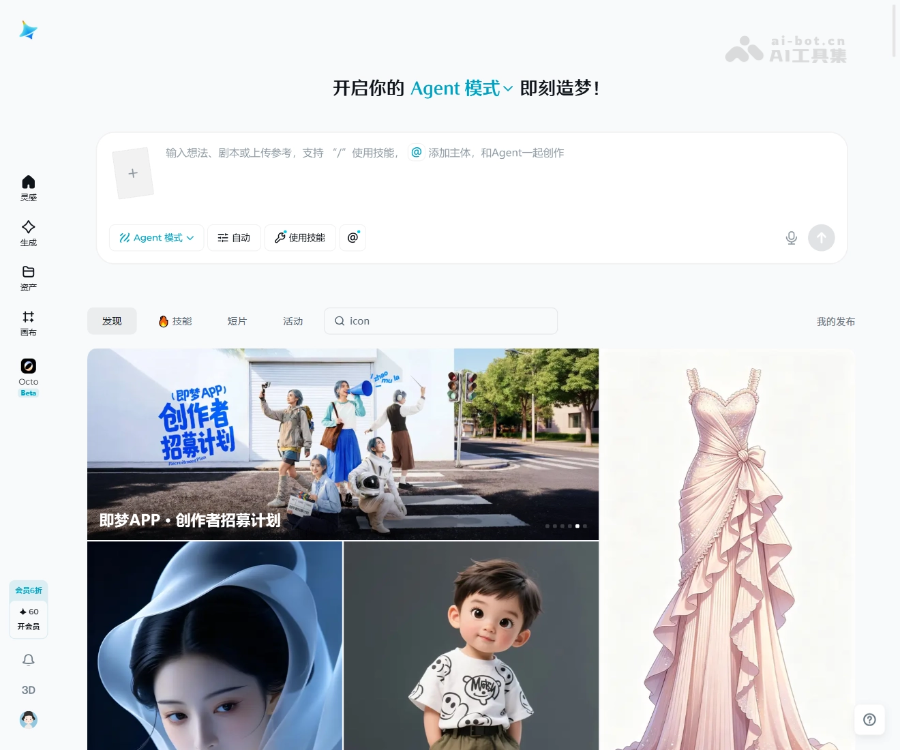
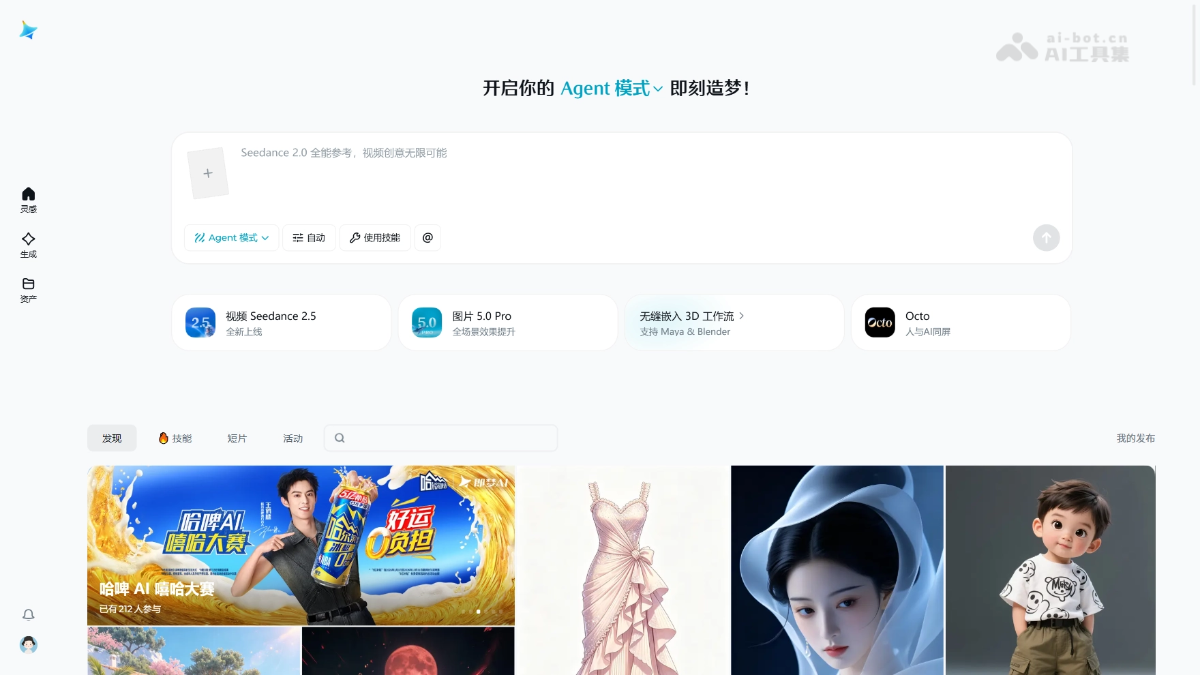
Jimeng AI is a visual-creation workspace built for creators who want to move from an idea to finished media in one place. It brings image and video generation, music and voice, digital characters and agent-assisted workflows into a single creative loop. You can start with a short brief, add reference material and iterate toward a finished asset.
Key capabilities
Explore visual directions from text or reference images for concepts, posters, characters and marketing assets.
Create from text or images with multimodal references for short films, ads and social content.
Combine text, images, audio and video to guide composition, movement, camera language and sound.
Add background music, ambient audio, narration and character voices without stitching together multiple tools.
Explore talking avatars, character performance and reference-motion workflows.
Describe a goal in natural language and let Agent mode organize a multi-step creative task.
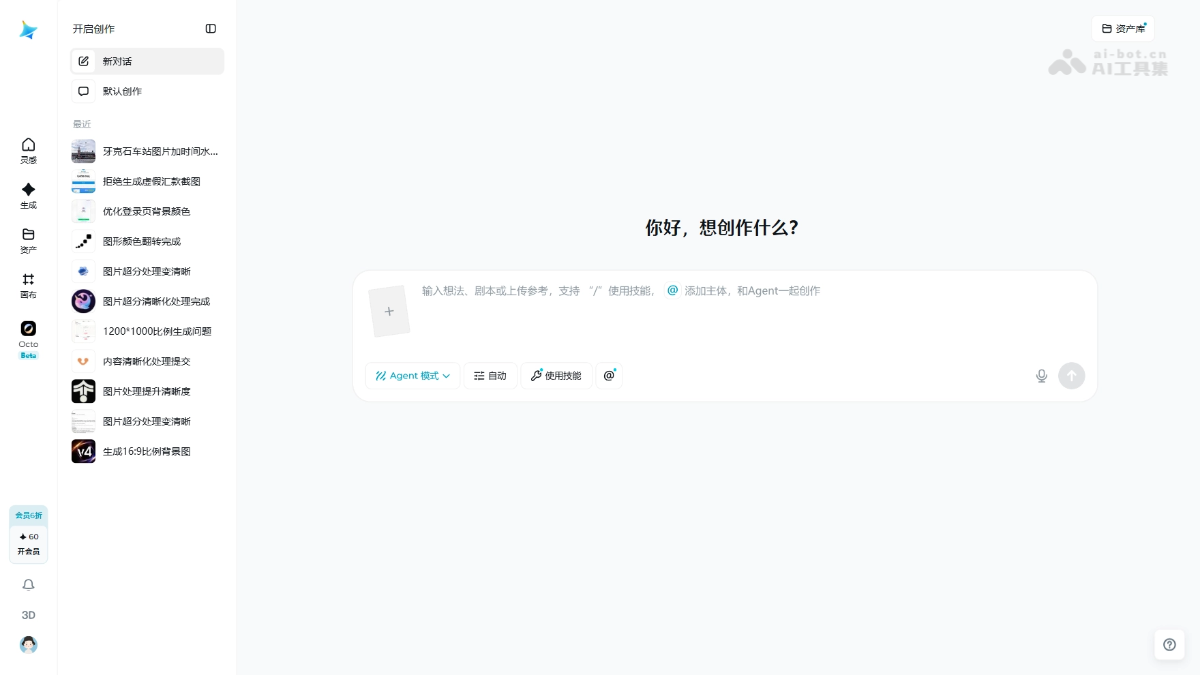
Keep generated assets, edits and combinations in one workspace for continuous iteration.
Experiment with an on-screen human-and-AI collaboration workflow while you create.
How to use it
- 01Open the workspace
Visit the official product page, sign in and enter the Inspiration, Generate or Assets workspace.
- 02Choose a workflow
Select image, video, music, digital character or Agent mode; start with Agent for multi-step goals.
- 03Write the brief
Describe the subject, action, setting, camera and style, or add reference images, video or audio.
- 04Tune parameters
Choose a model, aspect ratio, style and generation count; validate the direction with a lower-cost pass first.
- 05Generate and iterate
Keep strong results and refine them with edits, extensions or another prompt pass.
- 06Organize and export
Manage results in Assets or Canvas, finish the edit and export the image, video or audio asset.
Pricing
Jimeng AI combines free access with memberships and credit-based usage. Consumption can vary by model, resolution, duration and generation channel. Check the official product or billing page for current limits, benefits and prices.
A practical way to explore image, video and Agent workflows; available credits and models depend on the account.
Designed for frequent creators, usually covering credits, priority channels, speed, resolution and watermark benefits.
Official services such as Volcano Engine may charge by calls, duration or resolution; use the console quote as the source of truth.
Who is it for?
Turn a script or a one-line idea into shots, visuals and voice assets faster.
Explore concepts, style directions, posters and social visual assets.
Validate visual directions before production and reduce early-stage iteration cost.
Keep image, video and audio work in one place with less tool switching.
Create lesson illustrations, explainers and audience-facing visual content.
Frequently asked questions
What is Jimeng AI best for?
It is designed for image, video, music, voice, digital-character and multimodal creation, especially when the workflow moves from an idea to visual output.
What inputs can Jimeng AI use?
Depending on the feature, the platform can use text, images and selected video or audio references. Available inputs and models can change by release.
What does Agent mode do?
Agent mode is useful for complex goals. You describe the outcome and it attempts to organize the steps; review and refine the output yourself.
What is available for free?
Free limits, models and generation counts are controlled by the current account page. Check the live product UI instead of relying on fixed numbers from older articles.
How can I get more accurate results?
State the subject, count, action, setting, camera and style explicitly. Validate the direction with a short or low-resolution generation before scaling up.
Can generated content be used commercially?
Commercial use depends on the current terms, source assets, model restrictions and the content itself. Review the official agreement and third-party rights before publishing.
Sources
This profile is a secondary synthesis of the official product page, ByteDance Seed announcements and public product references. Features and pricing may change.