Compiled Languages: Running Code Without an IDE
Writing code doesn't require a bloated IDE; all compiled languages follow a nearly identical logic: write to a file, compile it into an executable, and execute that binary. Whether you are working with C++, Rust, Go, or Swift, the underlying process is the same—only the CLI tools differ.
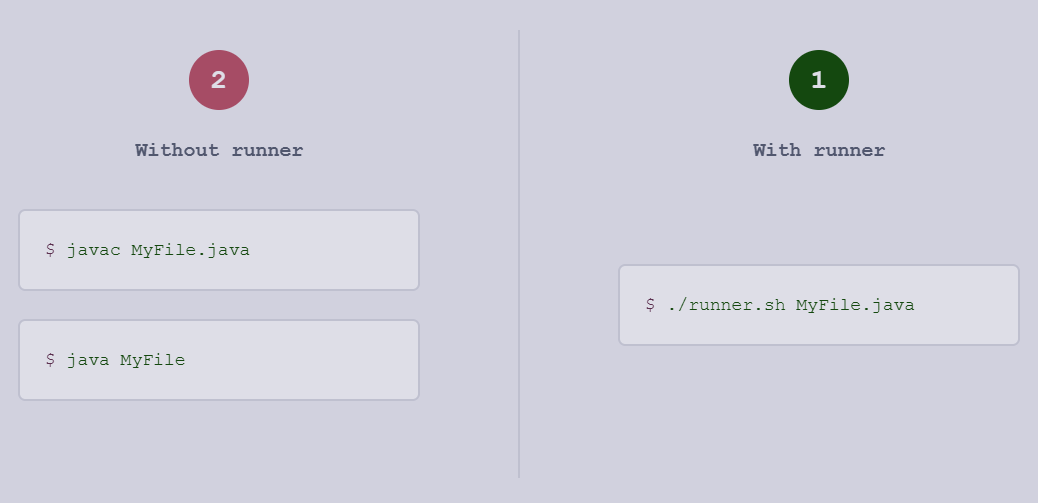
For anyone wanting a lightweight AI workflow or a faster way to test snippets, mastering the terminal is a must. Here is the basic breakdown of how this works across different environments:
The Standard Workflow
1. The Source: You create a plain text file (e.g., main.cpp, main.go).
2. The Compiler: You run a compiler command that checks for syntax errors and translates the code into machine code.
3. The Execution: You run the resulting binary file directly from your shell.
Quick Language Examples
If you have the toolchains installed, these are the commands you'll actually use:
C++ (using g++)
g++ main.cpp -o my_app
./my_app
Rust (using rustc)
rustc main.rs
./main
Go (using go build)
go build main.go
./main
Is it worth skipping the IDE?
For massive enterprise projects, you need the indexing and refactoring tools of a full IDE. However, for a real-world deployment or quick prototyping, using a simple text editor (like VS Code or Vim) combined with a terminal is significantly faster. It removes the "magic" and forces you to understand how your code is actually being built and linked.
This is especially useful when setting up an LLM agent to handle coding tasks; agents perform much more reliably when they can execute shell commands and read compiler errors directly rather than trying to "simulate" an IDE environment.
Makefiles are a lifesaver for multi-file projects. Which build system do you prefer for larger C projects?