Huawei Cloud ModelArts: My ML Deployment Experience
ModelArts on Huawei Cloud is essentially a one-stop shop for the entire ML lifecycle, but getting a production-ready pipeline running isn't always a straight line. I've been testing it for data science tasks, specifically focusing on how it handles the transition from notebook experimentation to actual deployment.
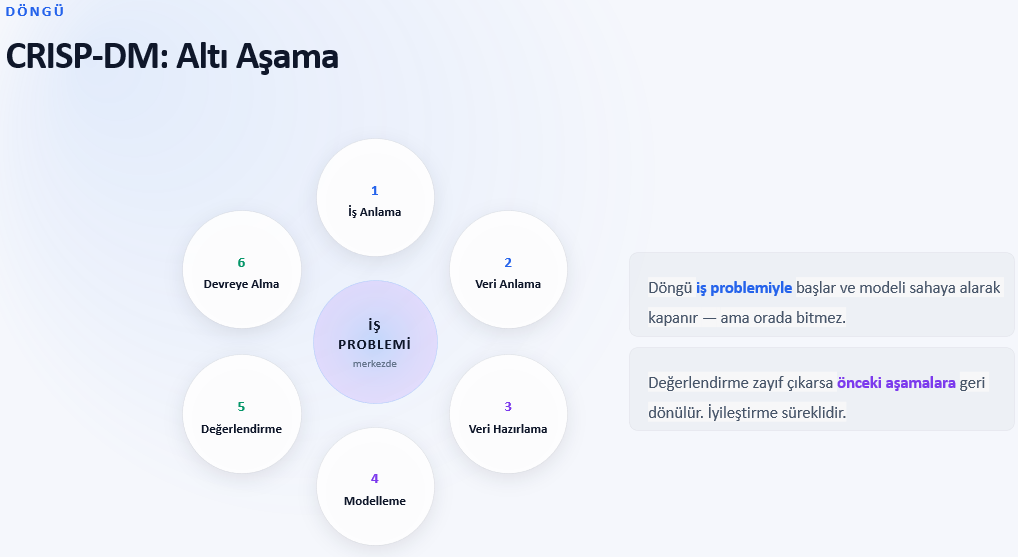
The platform integrates everything from data labeling to model training and deployment. For anyone looking for a practical tutorial on the flow, it generally follows this sequence:
1. Data Management: Using the dataset management tool to import and label raw data.
2. Model Development: Utilizing JupyterLab notebooks for exploratory data analysis (EDA) and initial model drafting.
3. Training: Scaling up to distributed training using the platform's compute clusters.
4. Deployment: Pushing the trained model to an inference endpoint for real-world API access.
One specific hurdle I hit during deployment was a resource allocation error when trying to spin up a GPU-accelerated inference endpoint. I kept getting a ResourceInsufficient error despite the console showing available quotas.
After digging into the logs, the diagnosis was a mismatch between the requested instance flavor and the availability zone's current capacity for that specific GPU type. The fix was simple but annoying: I had to recreate the deployment in a different AZ where the hardware was actually available.
For those building an AI workflow from scratch, the ModelArts "AutoML" feature is surprisingly competent for baseline models, but if you need granular control over your LLM agent or custom neural networks, stick to the custom development notebooks. It's a solid environment for deep dive projects, provided you keep a close eye on your resource quotas to avoid deployment bottlenecks.
All Replies (3)
Curious if you saw any latency spikes when scaling those inference endpoints?
Resource quotas are a nightmare. Which specific limits should I check first to avoid crashes?
Struggled for hours with the IAM bucket permissions. Anyone else find the documentation confusing?