AI Vision: Debugging Model Hallucinations
I hit a wall with a model that kept returning "cake" as a classification for images that were clearly not cakes. The frustration isn't just the wrong answer; it's the "black box" nature of LLMs where you have no idea which feature in the image triggered the wrong label.
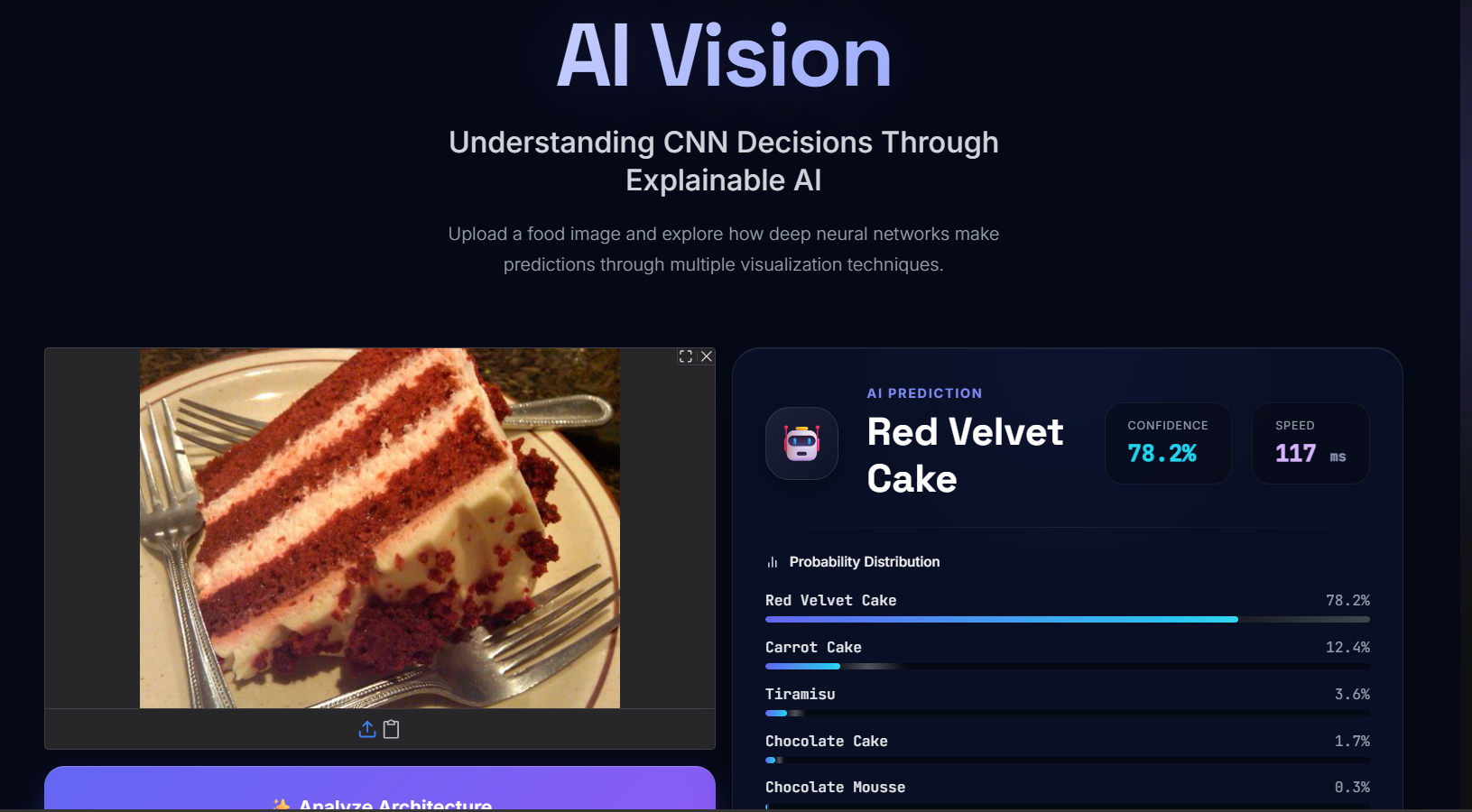
To fix this, I've been building Project AI Vision. The goal is to move away from simple prediction and toward an AI workflow that actually shows its work. Instead of a raw output, I'm implementing a layer that forces the model to justify its visual reasoning.
The diagnostic process looked like this:
1. The Failure: Inputting a photo of a beige-colored sponge or a rounded building.
2. The Output: {"label": "cake", "confidence": 0.92}.
3. The Diagnosis: The model was over-indexing on color and curvature, ignoring the texture and context of the surrounding pixels.
By shifting to a more transparent prompt engineering approach, I can now see the internal logic. If the model says "cake," it now has to specify why (e.g., "rounded shape, cream-colored surface"). When it does that, the hallucination becomes obvious because the justification doesn't match the image.
For anyone doing a deep dive into image classification, the real battle isn't increasing accuracy by 1%—it's building the observability tools to understand why the 1% failure happens. Turning a prediction into a step-by-step explanation is the only way to actually debug these agents.
All Replies (3)
Frustrating loops! Did you use synthetic data to fix the class imbalance issues?
Curious. Did adjusting the temperature or checking the confidence scores fix those labels for you?
Frustrating! I had dogs labeled as cats because of a bad crop. Has anyone else seen that?