Meshy AI: My New 3D Asset Workflow
For anyone running a brand or doing product visualization, the "Image-to-3D" feature is the real draw here. Instead of scouring marketplaces for something "close enough," you upload a photo of your product or a sketch, and the LLM agent handles the geometry and texturing.
If you want to try this as a practical tutorial for your own assets, here is the basic flow:
1. Reference Upload: Upload a high-res image with a clean background. The clearer the silhouette, the better the mesh.
2. Generation: The AI generates a preview mesh. You can refine the prompt if the proportions are off.
3. Refinement: Use the "Refine" tool to bump up the polygon count and sharpen the textures for a professional look.
4. Export: Download the file in GLB or OBJ format for use in Blender or your web storefront.
- Speed: Minutes vs. hours of searching.
- Customization: Total control over the object's look.
- Cost: Subscription-based rather than paying per-model.
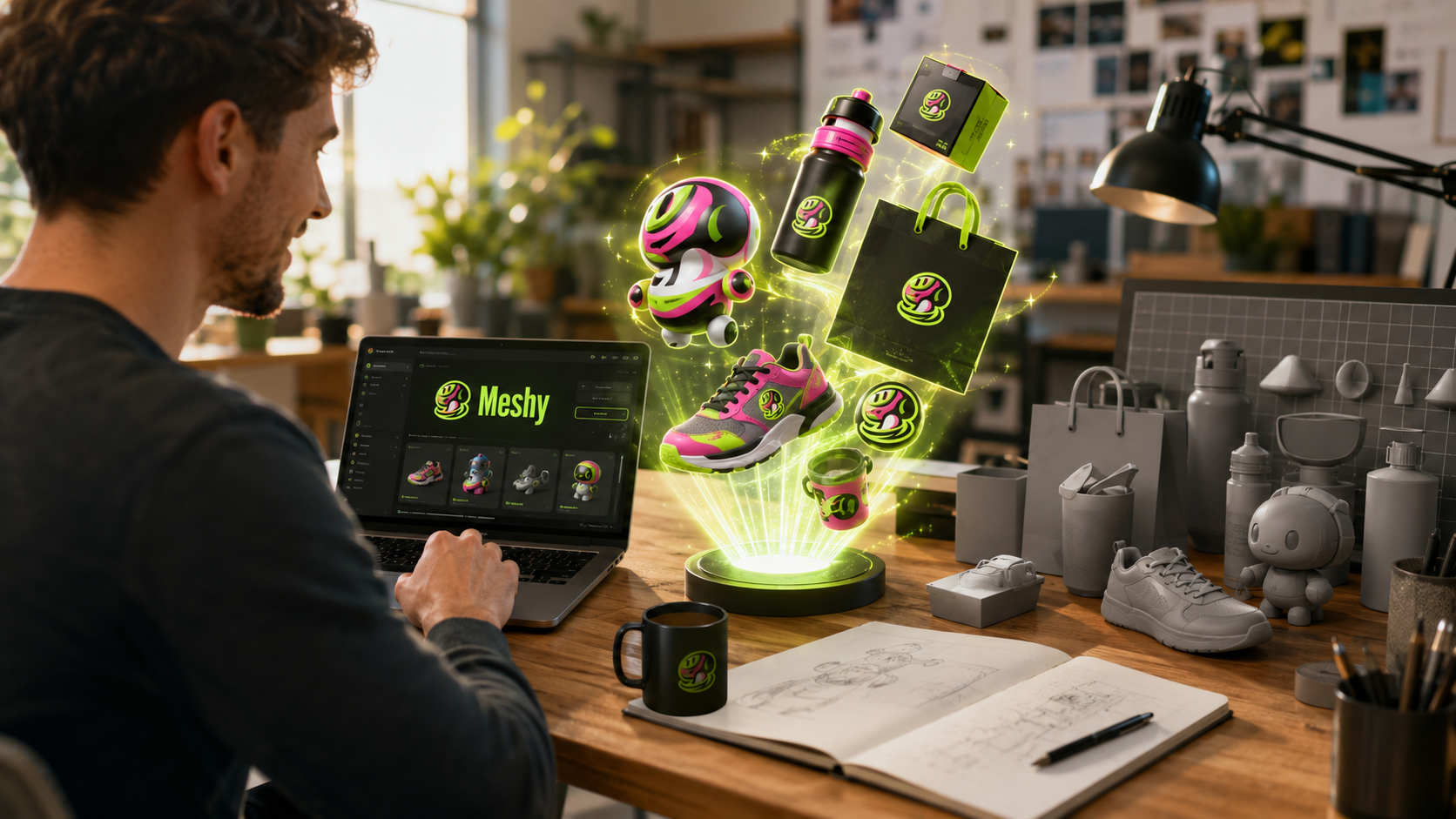
It isn't perfect—complex organic shapes still need a bit of cleanup in Blender—but for hard-surface objects and brand props, it's a massive leap in productivity. It effectively turns a 3D pipeline into a prompt engineering task.