Amazon Kendra: A Complete Guide to Enterprise Search
The Architecture of Intelligent Search
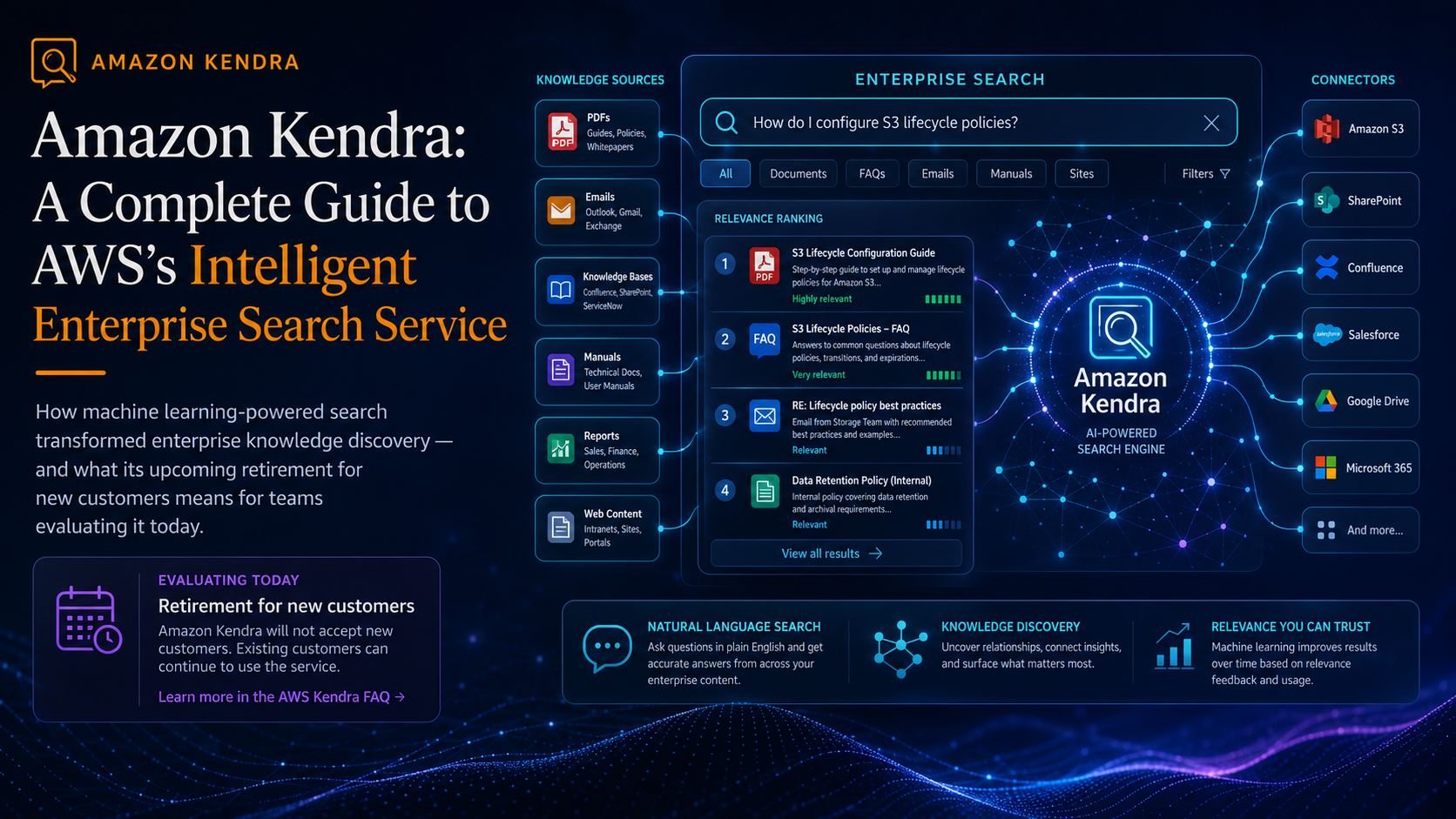
Kendra differs from standard Elasticsearch or OpenSearch implementations because it's a managed service that handles the heavy lifting of indexing and ranking. It uses a proprietary ML model to index documents, which means you don't have to manually define "boosts" or complex scoring rules for specific fields to get relevant results.
The core workflow follows a strict pipeline:
1. Data Source Connection: Connecting to S3, SharePoint, ServiceNow, or Salesforce.
2. Indexing: The service crawls the source, extracts text, and builds a semantic index.
3. Querying: The user sends a natural language query via the API.
4. Retrieval: Kendra returns the most relevant document snippets and, in many cases, a generated answer.
Deployment and Configuration
Setting up a Kendra index requires choosing between "Developer Edition" (for testing) and "Enterprise Edition" (for production). A critical part of the setup is the Facet configuration. Facets allow users to filter results by categories (e.g., filtering by "Department" or "Document Type").
To query Kendra programmatically, you use the Query API. Here is a basic implementation using Boto3 in Python:
import boto3

kendra = boto3.client('kendra', region_name='us-east-1')

def search_enterprise_docs(query_text, index_id):
    response = kendra.query(
        IndexId=index_id,
        QueryText=query_text
    )

    # Extracting the result items
    for result in response.get('ResultItems', []):
        print(f"Title: {result['_id']}")
        print(f"Excerpt: {result['DocumentExcerpt']}")
        print("-" * 20)

# Example usage
# index_id = 'your-kendra-index-id'
# search_enterprise_docs("What is the remote work policy?", index_id)
Real-World Performance and Constraints
In my experience deploying this for internal documentation, the "Answer" feature is the strongest selling point. While standard search returns a list of links, Kendra often provides a concise paragraph answering the question directly.
However, there are specific technical constraints to be aware of:
- Indexing Latency: Depending on the volume of documents in S3, the initial sync can take hours. Subsequent incremental crawls are faster but not instantaneous.
- Cost: The Enterprise Edition is expensive. For a small organization, the monthly cost of a single index can be a shock if you aren't monitoring usage.
- Document Parsing: While it handles PDFs and HTML well, highly complex tables inside PDFs sometimes lead to "hallucinated" excerpts where the ML model misreads the column alignment.
Transitioning to LLM Agents
With the rise of RAG (Retrieval-Augmented Generation), the role of Kendra is evolving. Instead of using Kendra as the final user interface, many are now using it as the retrieval engine for an LLM agent.
By piping Kendra's DocumentExcerpt into a model like Claude 3.5 or GPT-4, you eliminate the "list of links" experience entirely. The workflow looks like this:User Query → Kendra (Retrieve Context) → LLM (Synthesize Answer) → User.
This AI workflow significantly reduces hallucinations because the LLM is grounded in the specific enterprise data retrieved by Kendra's semantic search, rather than relying on its general training data.